How to use LinkedIn voice notes for prospecting
When a LinkedIn voice note helps a sales sequence, a 30-second script in three parts, how to record one and the mistakes that make voice feel pushy.
The short answer
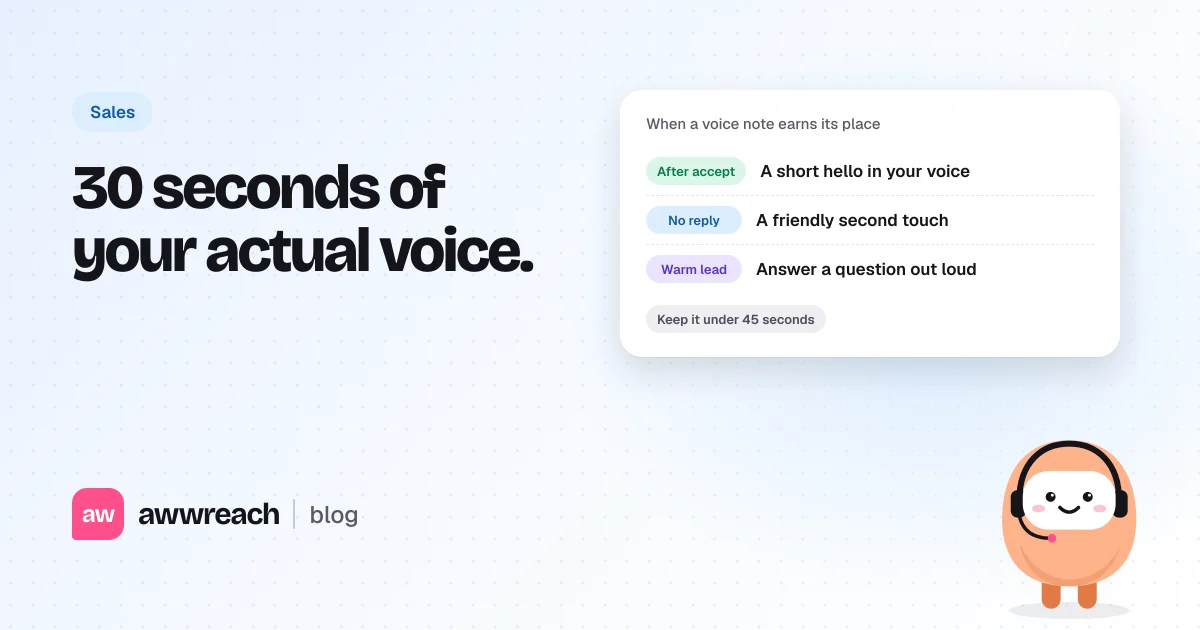
Use a LinkedIn voice note once per person, as the second or third touch after they've accepted your request, usually when a text message hasn't had a reply. Keep it under 45 seconds: your name and why you're reaching out, one useful point, and one question they can answer by text. Record it in a quiet room, speak naturally from notes and never send two voice notes in a row.
On this page
#Why use voice notes for prospecting?
Because they're rare and human. A buyer's LinkedIn inbox is full of text that looks the same. Thirty seconds of a real voice saying their name and something specific stands out, and it's hard to fake at volume, which is exactly why it reads as genuine.
#How do you send a voice message on LinkedIn?
In the LinkedIn mobile app, open a conversation with a 1st-degree connection, press and hold the microphone icon, speak, and release to send. Slide away to cancel. You can only send them in existing conversations with connections, which is why voice works as a follow-up, not an opener.
#Where does a voice note fit in a sequence?
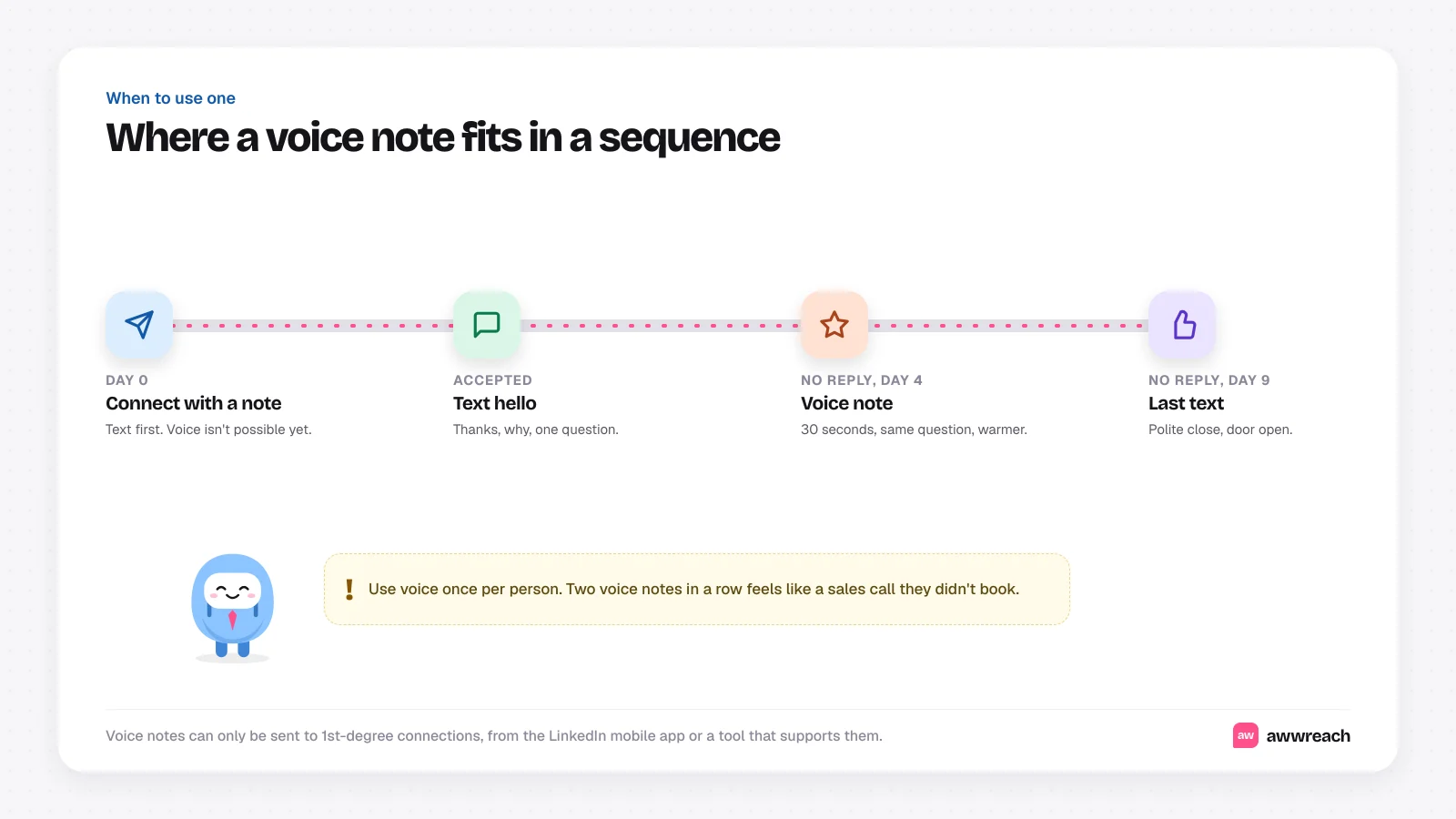
- After a text hello goes unanswered. The voice note restates your question with more warmth.
- When a warm lead asks something. Answering out loud can be faster and friendlier than a long paragraph.
- After an event. "Great to meet you at the panel" lands better in your voice than in text.
#What should you say in 30 seconds?
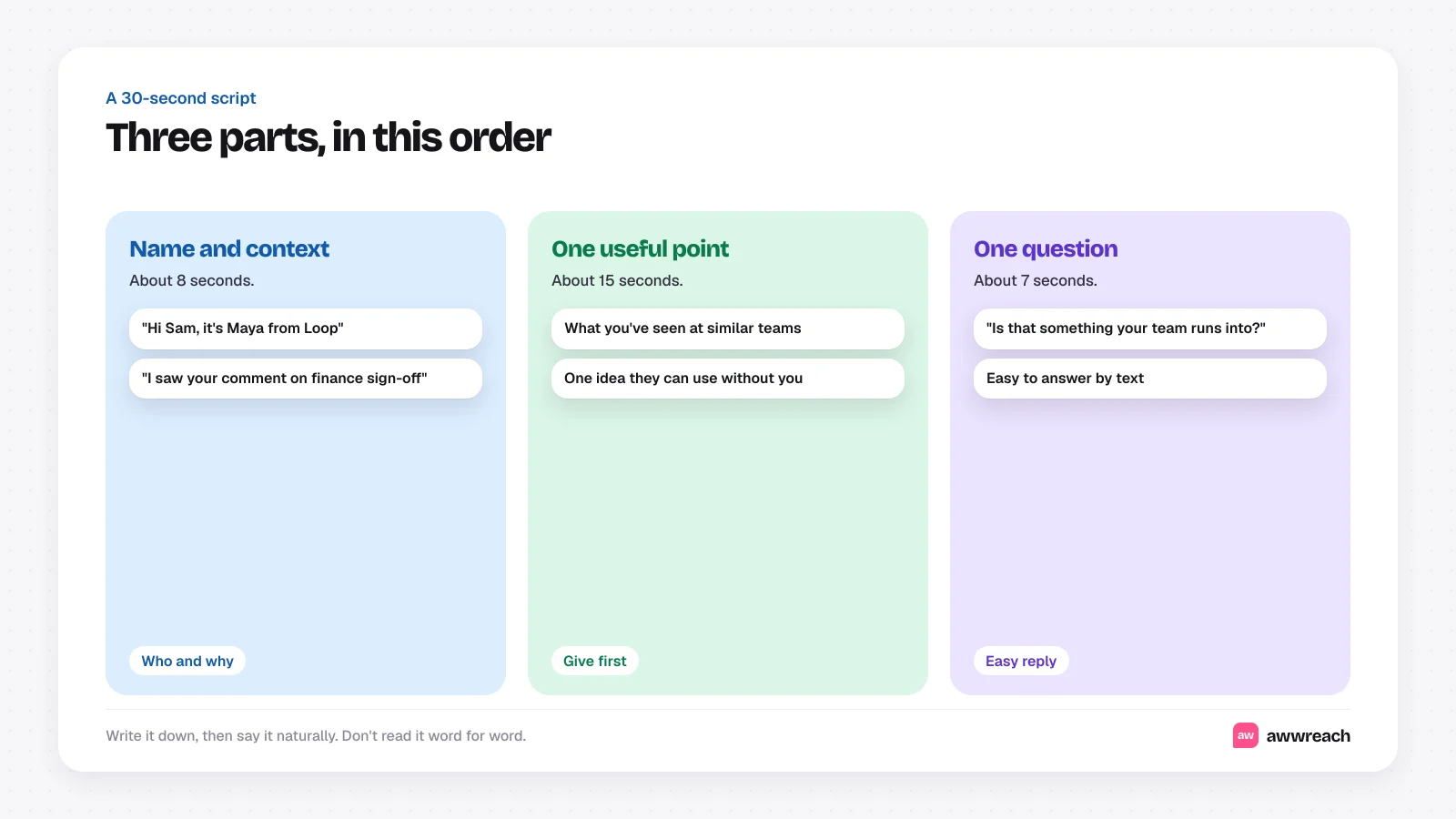
Here's an example you can adapt. It isn't a real message.
Hi Sam, it's Maya from Loop. I saw your comment about pipeline reports only being trusted once finance signs off, and it's something we hear a lot from ops teams. The ones who fixed it moved the sign-off into the weekly forecast call instead of month end. Is that something your team runs into? Happy to share how they set it up.
#What makes a voice note feel pushy?
- Sending two voice notes in a row. It starts to feel like a sales call they didn't book.
- Going past a minute. Long notes don't get finished.
- Pitching the product. Use the time to be useful.
- Reading a script in a flat voice. People can tell.
- Using voice as the very first message. Connect and say hello in text first.
#Adding voice to an automated sequence
In awwreach, you record a voice note once and add a Send voice note step to any flow, typically after a message that hasn't had a reply. It only goes to people who have accepted, it's spaced out like every other step, and the flow stops as soon as someone replies.
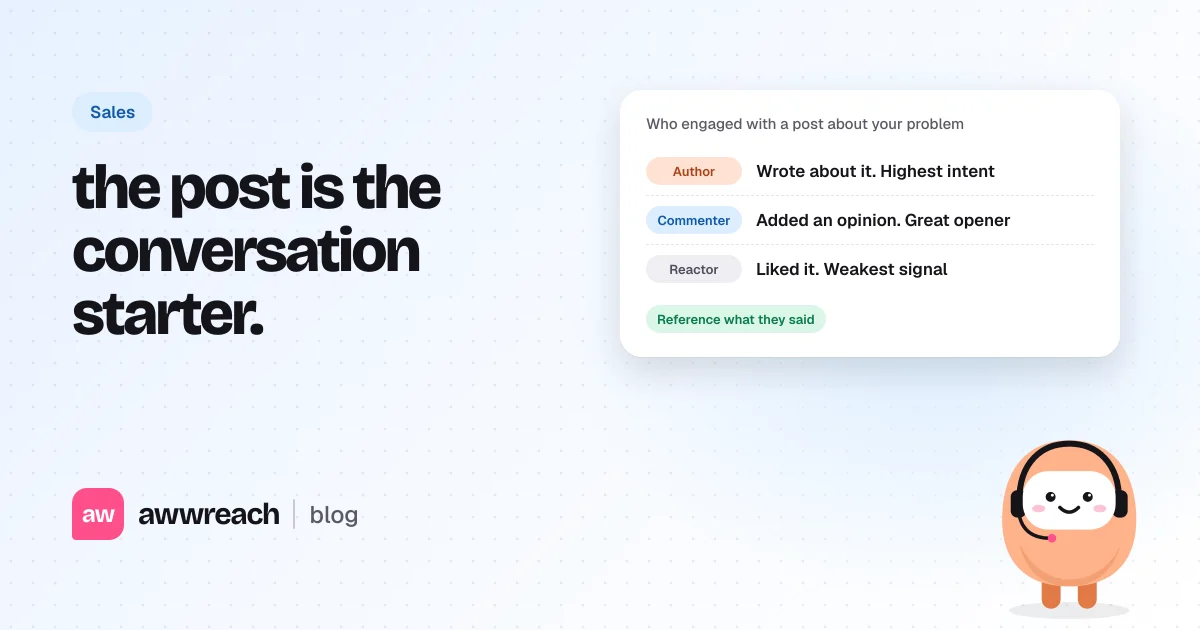
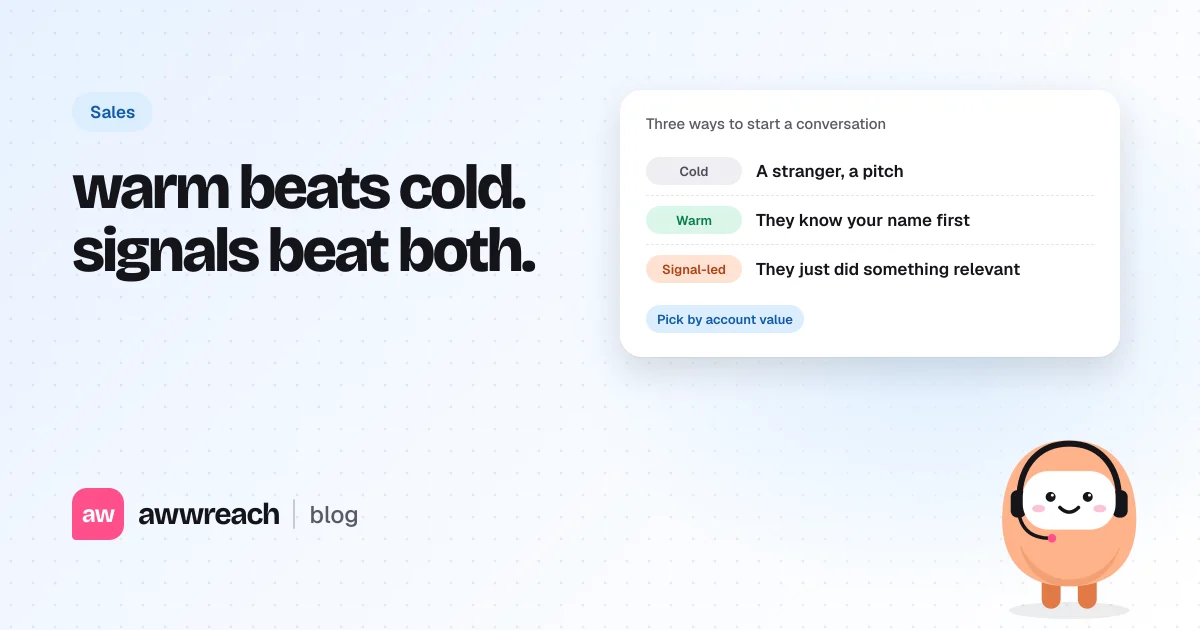
Voice works best on top of a good warm-up. See warm vs cold outreach on LinkedIn and how to prospect from LinkedIn post engagement.
#Use your voice once, and make it count
A voice note is the warmest touch you can send on LinkedIn without a meeting. Save it for the moment a text hasn't landed, keep it to 30 seconds, be useful and ask one question. Used once per person, it gets replies that text alone doesn't.
Frequently asked questions
In the mobile app, open a conversation with a 1st-degree connection, press and hold the microphone icon, speak and release to send.