Is LinkedIn Easy Apply worth it for students?
Mass applying on LinkedIn rarely gets students interviews. Why it stalls, and the warm referral routine that gets you noticed the day a job is posted.
The short answer
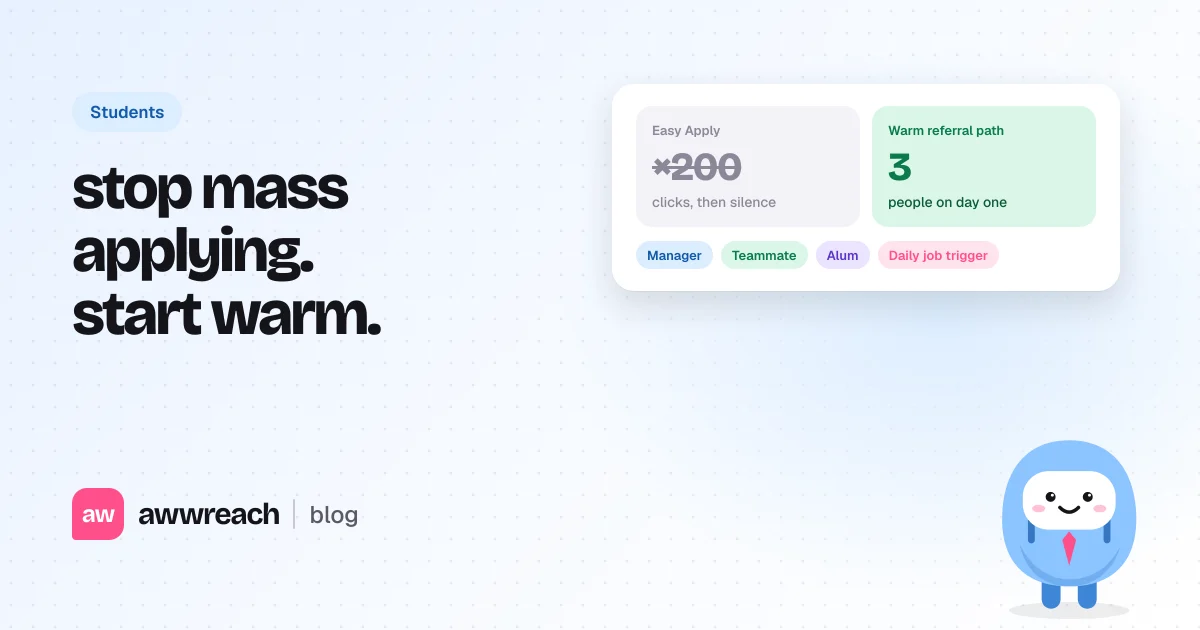
Easy Apply is worth a click for roles you genuinely want, but it shouldn't be your whole search. Applications per job roughly doubled after ChatGPT arrived, so a résumé alone is easy to miss. Apply on the company site, then reach three people on the team the same day: the manager, someone in the role and an alum. Warm them up before you write, ask for 15 minutes of advice, and let the referral come out of that conversation.
On this page
- Is LinkedIn Easy Apply worth it?
- Why do student applications get no response?
- Referral or applying online: which works better?
- What is a warm referral path?
- How do you catch jobs the day they're posted?
- What should a student write?
- How many jobs should a student apply to?
- Ten roles you'd take beat two hundred clicks
- FAQ
#Is LinkedIn Easy Apply worth it?
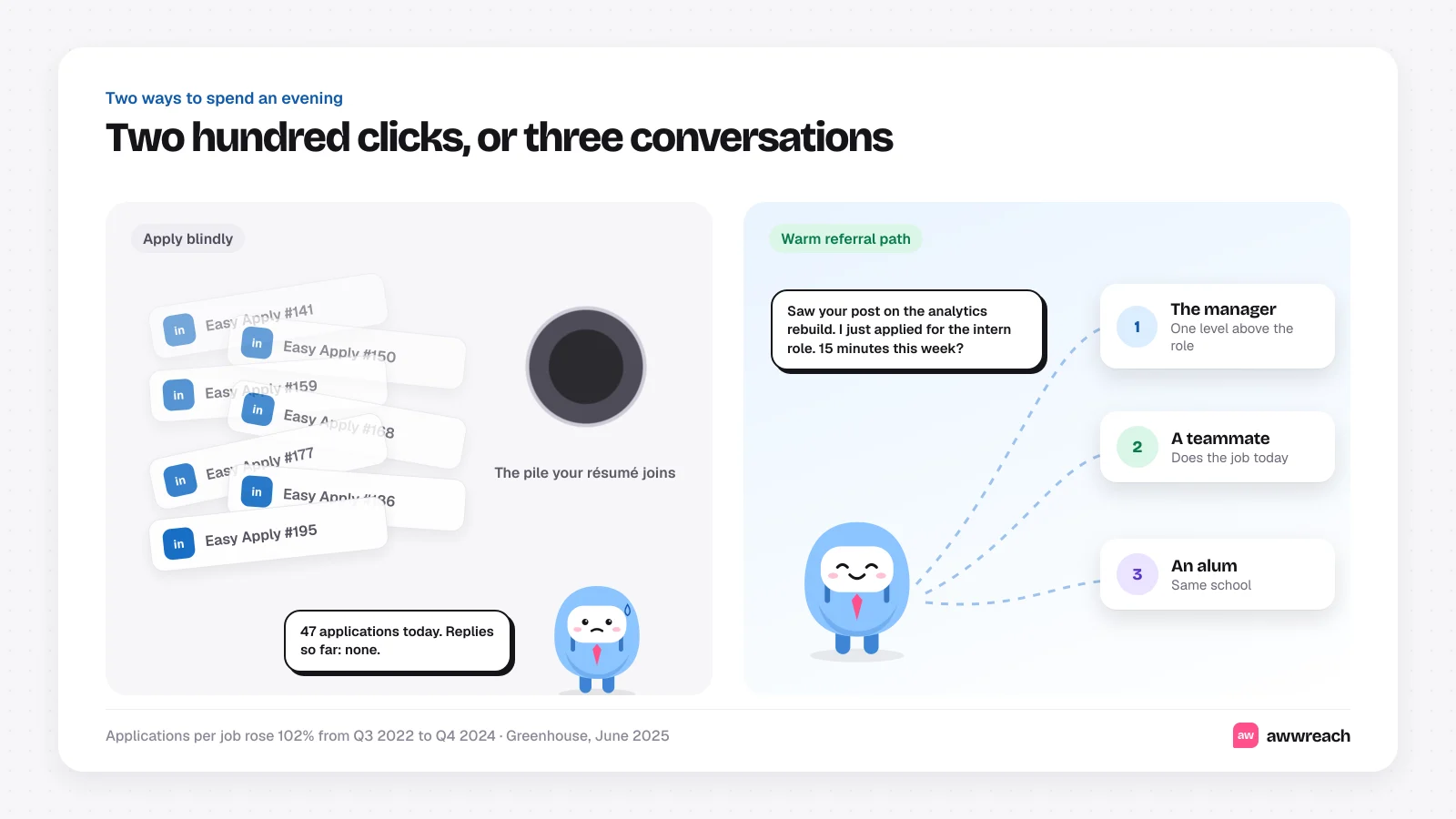
Sometimes. Easy Apply sends your profile and résumé in two clicks, so it costs you almost nothing. The catch is that it costs every other applicant almost nothing too. Greenhouse reported in June 2025 that applications per job rose 102% between the third quarter of 2022 and the fourth quarter of 2024, a period it ties to the release of ChatGPT (Greenhouse).
Twice the applications means a recruiter spends less time on each one. A student with one internship and a class project is easy to scroll past in that pile, even with a strong résumé. Use Easy Apply for roles you'd take, then do the part that gets a human to look.
#Why do student applications get no response?
- Volume. Popular internship and new grad postings collect hundreds of applicants in days, and recruiters work through them in batches.
- Timing. A posting found on day ten is already being screened. Your application lands behind everyone who applied in the first few days.
- No context. A résumé shows what you did. It can't show that you read the team's work or that a current employee would vouch for you.
- Keyword filters. Applicant tracking systems rank on the job description's wording. Generic résumés sent to 200 roles match none of them closely.
The fix for all four is the same: fewer, better applications, each paired with a person on the inside who knows your name.
#Referral or applying online: which works better?
Do both, in that order. Apply through the company's careers page so you're in the official process, then contact people the same day. The application puts you in the system, and the referral makes sure someone opens it.
| Apply blindly | Warm referral path | |
|---|---|---|
| Applications per week | 50 to 200 | 5 to 10 roles you'd really take |
| Who knows your name | An applicant tracking system | A manager, a teammate and an alum |
| When you act | Whenever you find the posting | The day it goes up |
| What you ask for | An interview, from a form | 15 minutes of advice, from a person |
| How a referral happens | It doesn't | It comes out of a real conversation |
#What is a warm referral path?
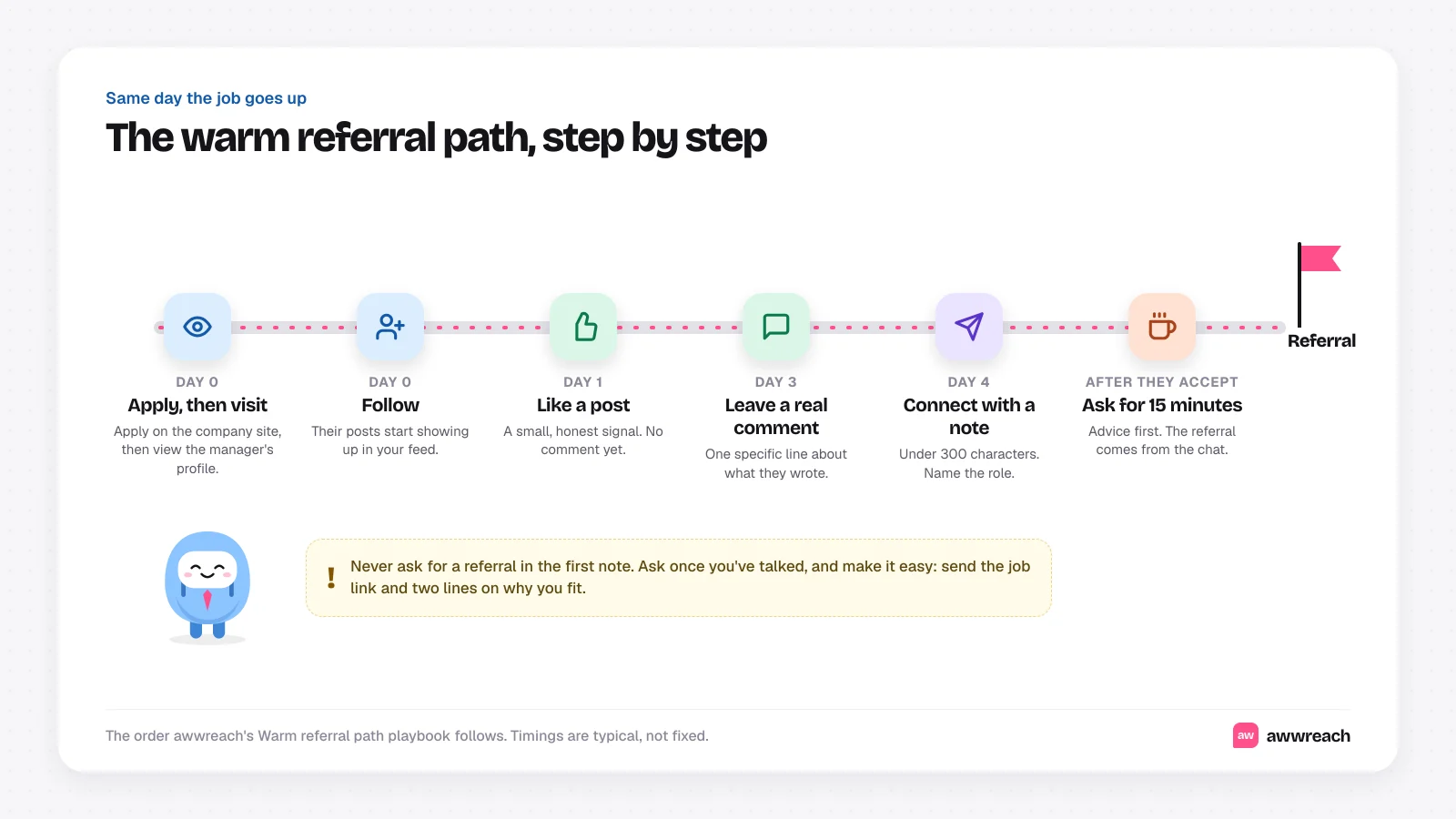
A warm referral path is a short, polite sequence that makes you a familiar name before you ask for anything. It's the same order awwreach's Warm referral path playbook follows.
- Apply, then visit the manager's profile
Apply on the company site. Then open the profile of the person one level above the role, so your name shows up in their notifications.
- Follow them
Their posts start appearing in your feed, which gives you something real to respond to.
- Like a recent post
A day later, react to something they shared. Small and honest beats clever.
- Leave one real comment
A couple of days after that, add one specific line about what they wrote. Skip it if they haven't posted anything worth replying to.
- Connect with a short note
Under 300 characters. Say which role you applied for and one thing you share, such as a school, a project or their post.
- Ask for 15 minutes
Once they accept, ask what the team looks for. If the chat goes well, ask whether they'd be comfortable referring you, and send the job link plus two lines on why you fit.
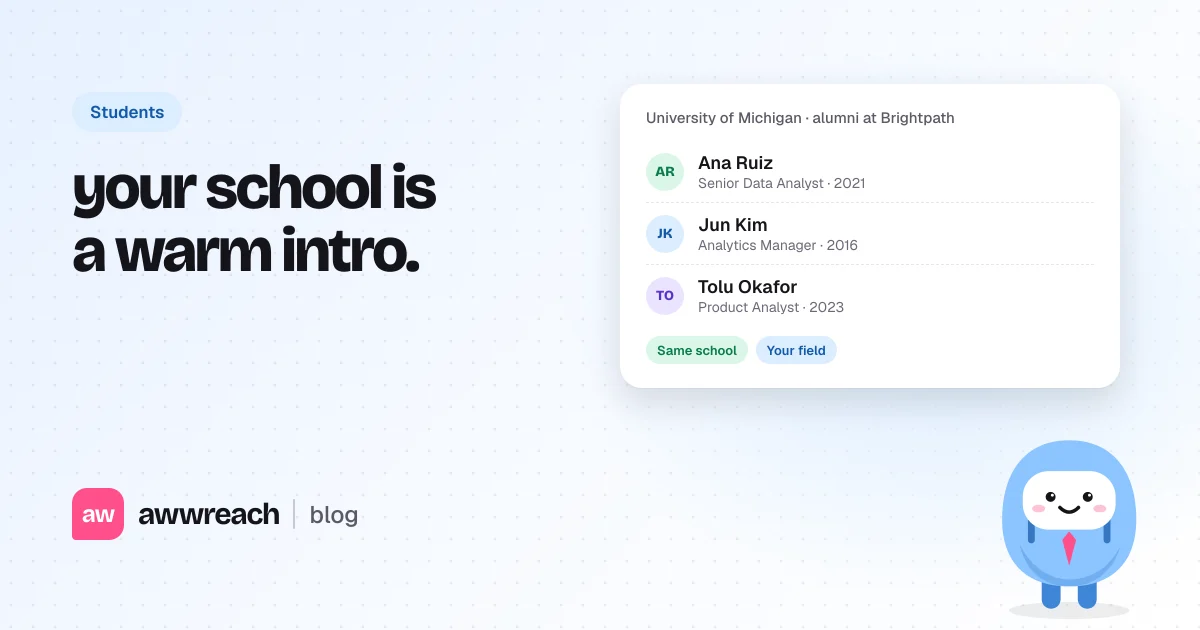
Do this for three people per role: the manager, someone who holds the job now and an alum from your school. For how to find each of them on a posting, see who to message when a job is posted on LinkedIn. For the referral ask itself, see how to get a referral on LinkedIn as a student.
#How do you catch jobs the day they're posted?
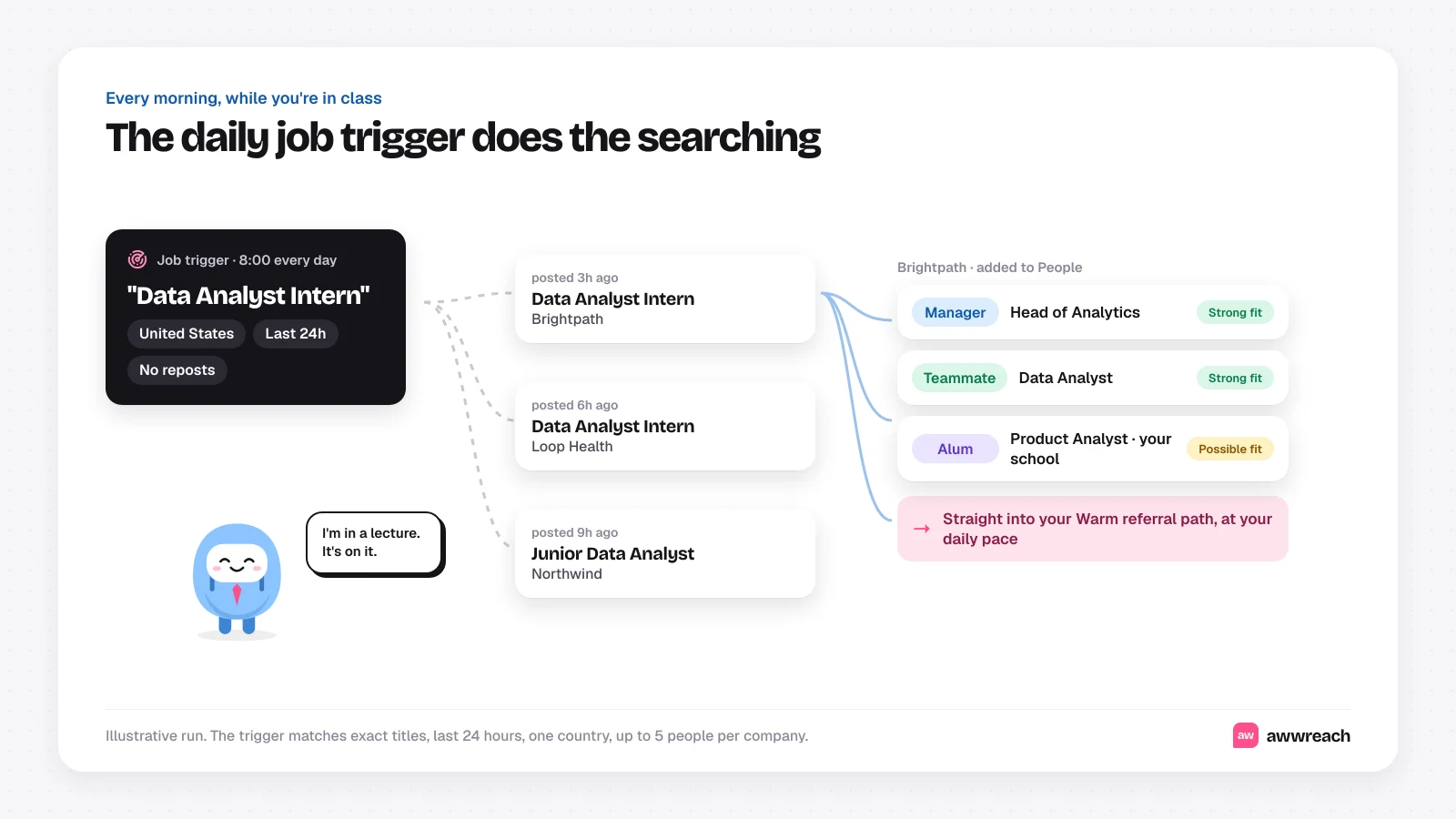
Refreshing LinkedIn between lectures works for a week. A daily job trigger keeps working while you're in class. In awwreach you give it one or two exact job titles, such as "Data Analyst Intern", and a country. Every day it looks for postings from the last 24 hours, skips reposts and adds up to five people per company to your People list: the likely manager, teammates and alumni from your school.
Each person comes with a fit score and the reason they were picked, so you can drop anyone who doesn't match before a single message goes out. If you choose, they flow straight into your Warm referral path at the daily pace you set.
#What should a student write?
Short, specific and about them first. These are examples, not real messages.
Hi Priya, I'm a junior studying statistics and just applied for the Data Analyst Intern role on your team. Your post on rebuilding the churn dashboard was the clearest write-up I've read on it. Would love to connect.
Hi Marcus, fellow Michigan Wolverine here. I applied for the analyst internship this morning. If you have 15 minutes in the next couple of weeks, I'd love to hear what the team looks for in interns.
Notice what's missing: no attachment, no list of skills and no referral request. Those come after a conversation. For more on tone and coffee chats, see student-friendly LinkedIn networking.
#How many jobs should a student apply to?
Fewer than you think, chosen with more care. NACE's 2026 Student Survey found that 43% of new college graduates had at least one job offer before graduation (NACE). That leaves most of the class still searching after the ceremony, so an approach that holds up for months matters more than a burst of applications.
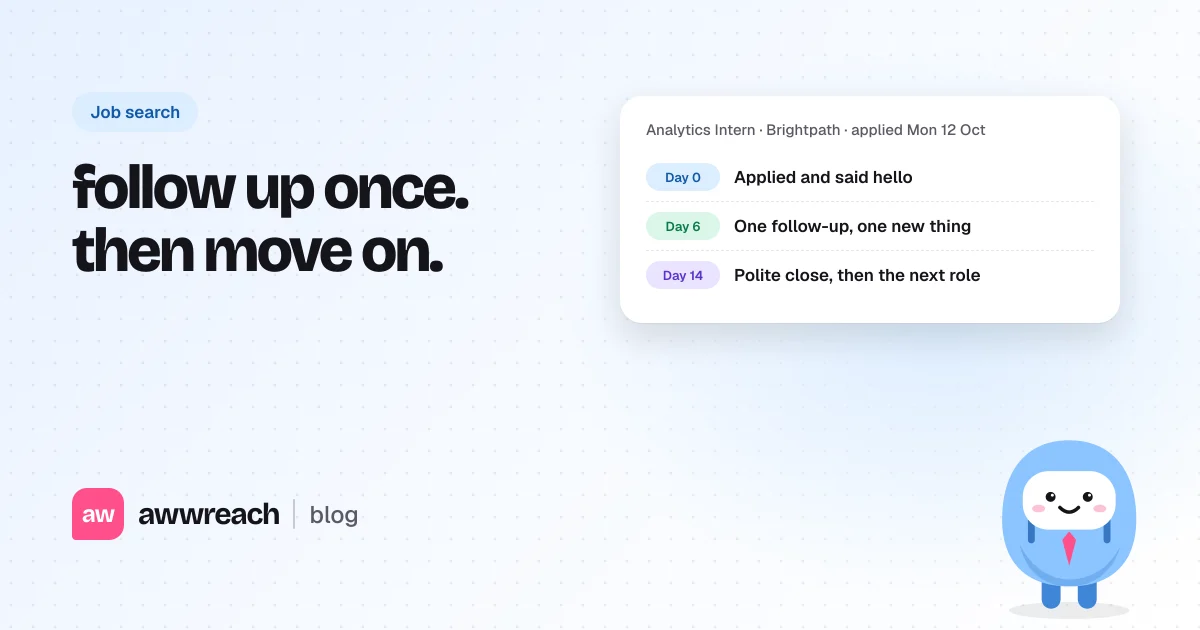
A pace that holds up: five to ten roles a week that you'd genuinely take, three people per role, and one follow-up after four or five days. That's 15 to 30 short, personal touches a week, which fits around classes and stays well inside LinkedIn's limits.
#Ten roles you'd take beat two hundred clicks
Keep Easy Apply as one step in your search and give the rest of your evening to people. Pick roles you'd say yes to, apply on the company site, and spend the time you saved on three people per role who can put your name in front of the team. A daily job trigger gets you there on day one, and the warm referral path makes sure they recognise you when you ask.
Frequently asked questions
Yes, especially for smaller companies and roles with fewer applicants. It works best as one step: apply, then reach a person on the team the same day so your application gets a second look.