Who to message when a job is posted on LinkedIn
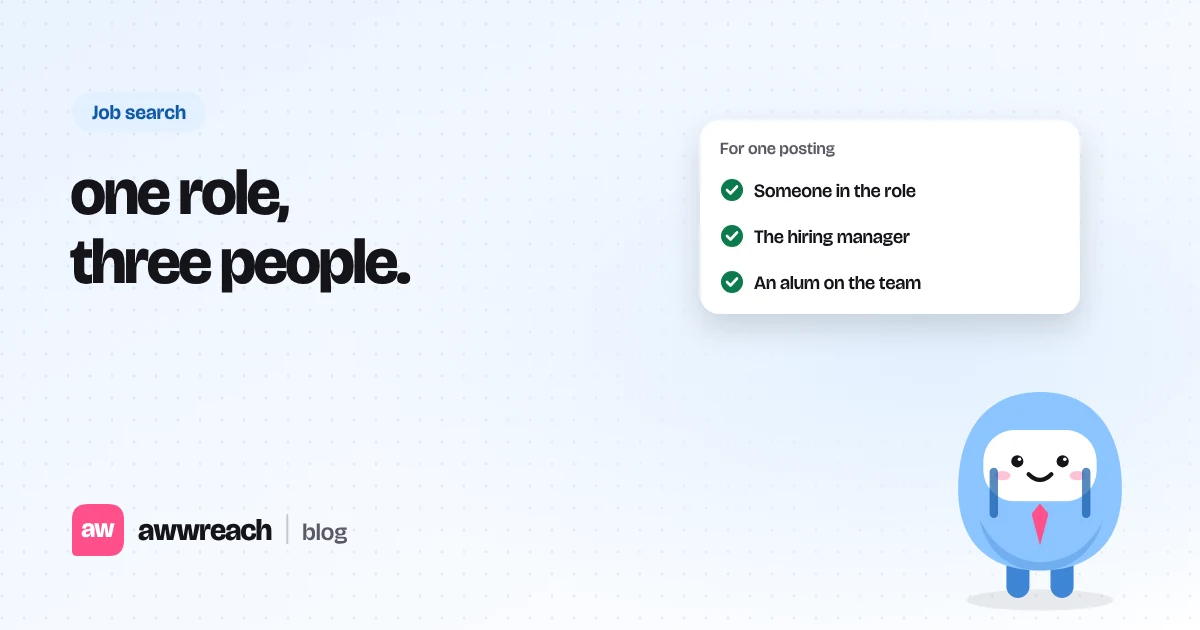
Found a new job posting? Message three people at the company in the first day: the hiring manager, a teammate and an alum. Here is who, and what to say.
The short answer
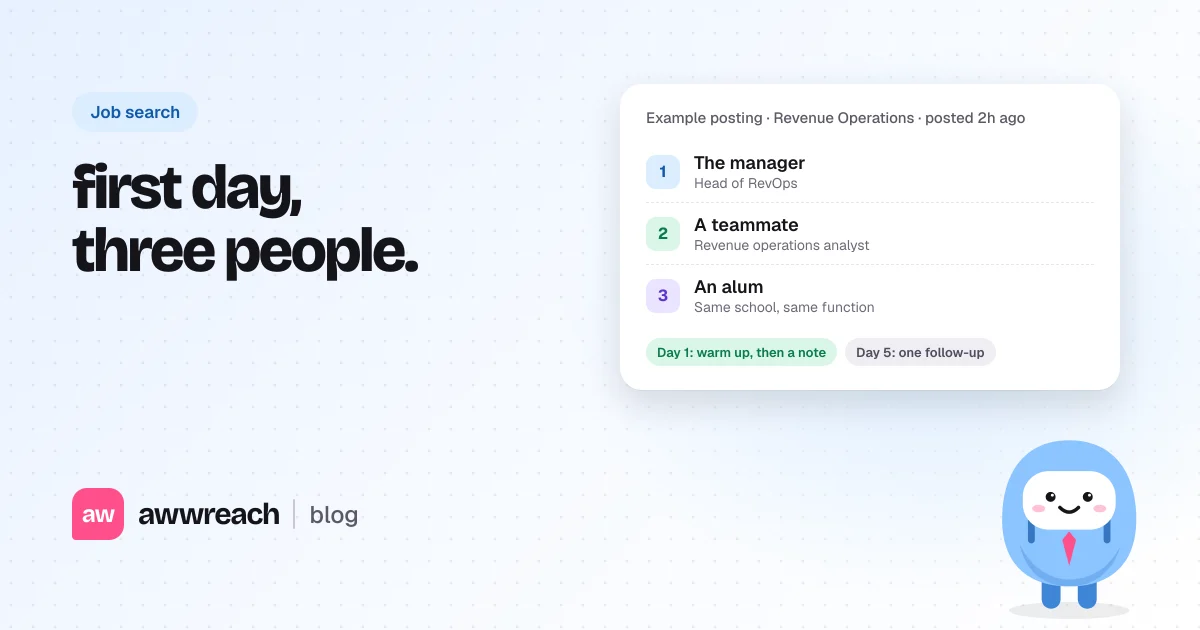
Message three people in the first day a job is posted: the person one level above the role, someone who does the job now and an alum. Warm each one up with a profile visit and one real comment, then send a note under 300 characters. Follow up once after four or five days. Ask for 15 minutes, not a referral.
On this page
#Why does the first day matter?
LinkedIn says 83% of posted jobs get a qualified candidate within 24 hours (LinkedIn Talent Solutions, 2023 data). That figure is about how fast employers find candidates, not your odds as an applicant. It still points the same way: a day-old posting is already being read, and the pile only grows.
Reaching a person early means your name is familiar before the pile builds. It also means your note lands when the role is still on their mind, not three weeks into a search.
#Who are the three people?
| Who | How to spot them | Why them |
|---|---|---|
| The manager | One level above the role, in the same function. Titles like head of, director or manager. | They decide who gets interviewed. |
| A teammate | Holds the same job title now, or sits right next to it. | They know the work and can say what the team needs. |
| An alum | Shares your school or a past employer. | Shared history makes a reply far more likely. |
#How do you find them?
- Open the posting and read the team
Note the team name, the location and any names mentioned in the description.
- Look for "Meet the hiring team"
Some postings show who posted the job. At larger companies that is often a recruiter, which is still a useful name.
- Search the company's people
Filter by company, then add the function and a leader word such as head, director or manager. Open the profile and check the title.
- Search posts about the role
Hiring managers often announce openings. Search "hiring" plus the job title and look for authors from your target company.
- Check for an alum
Filter the same company by your school. If nobody comes up, try a former employer you share.
#Should you apply first or message first?
Do both in the first day. Apply so you are in the process, then message so a person knows your name. Don't ask for a referral in the first note. Ask for it only after a short, friendly conversation.
For the full warm-up and follow-up sequence, see LinkedIn networking for job seekers, without the spam.
#What should you write?
Keep the first note under 300 characters. Say the role, one thing you share and nothing else. These are examples, not real messages.
Hi Maya, I'm a growth analyst and just applied for the Revenue Operations role on your team. I liked your post on routing leads by territory. Would love to connect.
Hi Sam, fellow Northeastern grad here. I saw the Data Analyst role at your company and just applied. I would love to hear what the team is like when you have a moment.
#Can you speed this up?
Doing this by hand means opening each company and searching its people. With awwreach you paste the job link and it finds the hiring manager, a teammate and alumni from your school on that team. Each person is tagged with why you are reaching out, so your note can say it.
You still choose who to contact and what to say. awwreach spaces out the warm-up, so a new posting gets a profile visit and a comment before the note.
Frequently asked questions
Start with the person one level above the role, such as a manager or head of the function. If you can't find them, a teammate in the same job is a good first message.