LinkedIn networking for job seekers, without the spam
A job seeker's LinkedIn plan that works: one role at a time, two or three people near the decision, a warm-up before the note, and advice before a referral. Plus what to do if you're still employed.
The short answer
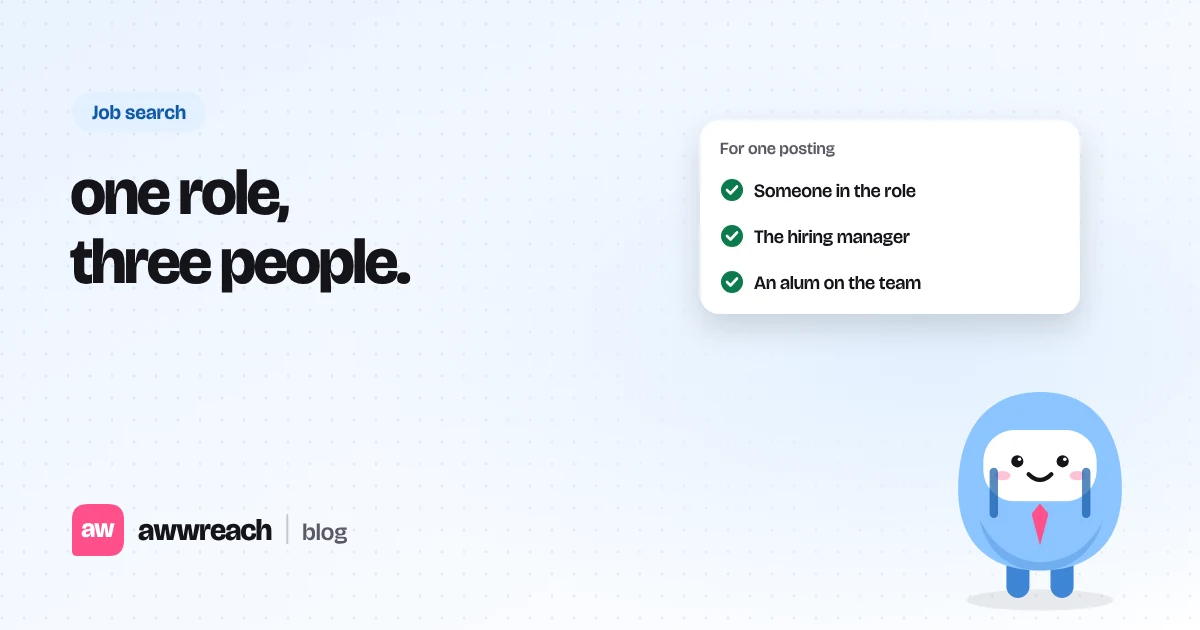
Job seekers get more from a small, specific list than a wide net. For each role, find two or three people close to the decision (a teammate, the hiring manager, an alum), get noticed with a visit and a real comment, then connect with a note that names the role and one shared detail. Ask for 15 minutes of advice. A referral is the second conversation, not the first message.
On this page
#Why a wide net fails
Between roles, it's tempting to message every recruiter in your city. But recruiters run the process; teammates and hiring managers usually decide who gets interviewed. A short list tied to one posting keeps your notes specific, keeps your account calm, and gives you something concrete to talk about.
#Who to add for one application
| Person | Why them | First ask |
|---|---|---|
| Someone in the same role | Knows the day-to-day work | What the first months look like |
| Hiring manager | Owns the decision | One question about the posting |
| Alum or ex-colleague at the company | Built-in reason to say yes | How they joined the team |
| Recruiter | Timelines and process | Process or sponsorship, if relevant |
#A one-week warm-up
- Anchor on the posting
Save the job link. Note the team name and any names mentioned.
- Find two or three people
Use the company's people search. Skip executives several levels above the role.
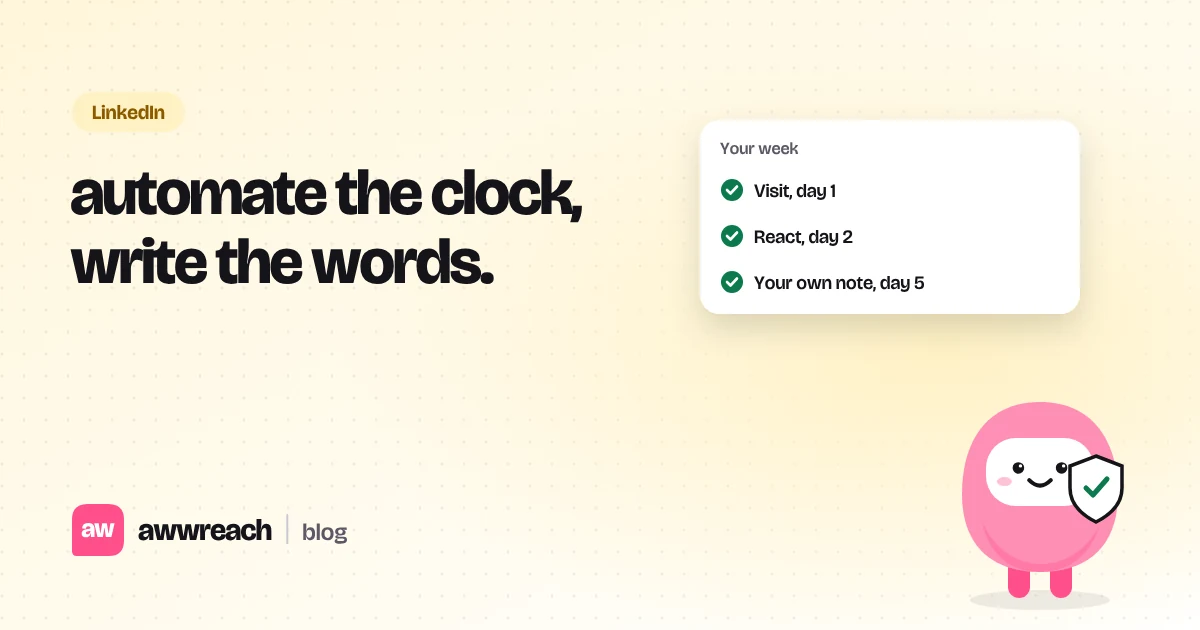
- Visit and follow
They'll see you in "who viewed my profile". That's the point.
- Comment when there's something real
One comment you can reference later. No post means no comment.
- Connect with a short note
Role plus one shared detail, under 300 characters. No referral ask.
- One follow-up
Four or five days after they accept: one message asking for 15 minutes. Then stop.
Hi Laura, I applied for the PM role on your growth team. Your note on onboarding experiments matched what I ran at my last company. Would you be open to a 15-minute chat about how the team works?
#If you're still employed
Lead with a project or a problem you've solved rather than a school. Keep activity modest and spread out; a sudden burst of profile views and connection requests can be noticed by colleagues as well as by LinkedIn. Turn on LinkedIn's setting that hides your profile-update notifications from your network before you start.
#Turning a chat into a referral
- Send a thank-you the same day with one thing you'll act on.
- If it went well and they haven't offered, ask simply: "Would you be comfortable referring me for this role?"
- Make it easy: send the job link and two lines on why you fit.
- Tell them how it went afterwards, whatever the outcome.
Frequently asked questions
Only for process questions like timelines or sponsorship. For a conversation about the work, start with a teammate or the hiring manager.