Is LinkedIn automation allowed?
No. LinkedIn's User Agreement prohibits bots and tools that automate activity. Here's what that means in practice, what gets accounts restricted, and how to lower the risk.
The short answer
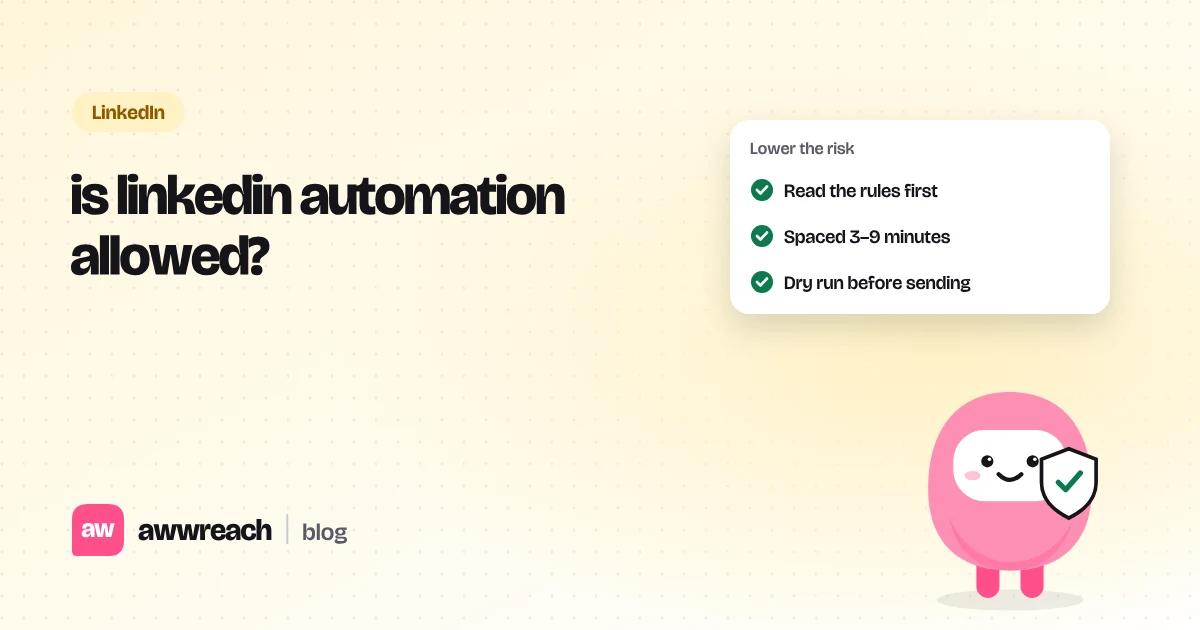
No. LinkedIn's User Agreement (section 8.2) prohibits bots and other unauthorised automated methods, and its help centre says third-party software and browser extensions that automate activity aren't permitted. Every automation tool, awwreach included, works against that policy. Enforcement is about behaviour, so slow, specific activity is far less likely to be flagged than bursts and copy-paste notes, but the risk never reaches zero.
On this page
#What LinkedIn's rules actually say
Two places matter. The User Agreement's list of "don'ts" (section 8.2) rules out scraping and using bots or other unauthorised automated methods to access the service, add contacts, send messages, or comment and react. LinkedIn's help article on prohibited software restates it plainly: third-party crawlers, bots, browser plug-ins and extensions that automate activity on the site aren't permitted.
That's the honest starting point, and it's why we never describe awwreach as "allowed", "approved" or "undetectable". It isn't any of those. It's a tool that tries to behave like a careful person, which lowers the chance of trouble without removing it.
#Why accounts actually get restricted
LinkedIn doesn't read your tool's marketing page. It sees behaviour. These are the patterns that most often lead to warnings:
| Pattern | What it looks like | Calmer habit |
|---|---|---|
| Bursts | 40 connection requests in an hour | Spread across a working day, 3–9 minutes apart |
| Identical copy | The same note to every profile | One detail that only fits this person |
| Day-one full speed | A new account at full volume | Ramp over 21 days |
| Ignored requests piling up | Hundreds of pending requests | Withdraw requests older than a few weeks |
| Odd sessions | Logins hopping between countries | One location, your usual hours |
| Reports | People clicking "I don't know this person" | Smaller, better-chosen lists |
#Browser extensions vs cloud tools
Extensions click inside your logged-in tab. Cloud tools queue actions on a server using your session. LinkedIn's policy covers both. In practice, extensions are easier for LinkedIn to spot because they change the page you're looking at, and tools that store your password are a security risk on top of a policy one. Whatever you use, the variables that matter most are volume, timing and how human the words are.
#How to lower the risk if you still automate
- Start slow on purpose
New or recently reconnected accounts should begin at about a third of normal volume and build up over a few weeks.
- Keep daily numbers modest
Our flow defaults are 25 connection requests and 80 profile visits a day on a fully warmed-up account, well under the numbers most providers quote.
- Space everything out
No two actions closer than a few minutes, only in working hours, in the other person's time zone.
- Make every note specific
If you can't name something real about the person, don't send it. awwreach skips a step when a detail is missing rather than sending a generic line.
- Read before you send
Run in dry run first. If a note would embarrass you in a screenshot, fix it.
#When to keep it manual
If your LinkedIn account is central to your job, your raise or your reputation, the safest choice is to do the outreach by hand and use tools only for research and drafting. Automation makes most sense for patient, low-volume steps you'd do anyway, on an account you understand the risk for.
Frequently asked questions
No law bans it. It breaks LinkedIn's User Agreement, which can lead to a warning or a restricted account.