LinkedIn automation for professionals: what to automate and what to write yourself
A practical split for professionals: let software handle timing, order and reminders on LinkedIn, and keep the judgment calls and the words for yourself. With a weekly routine you can copy.
The short answer
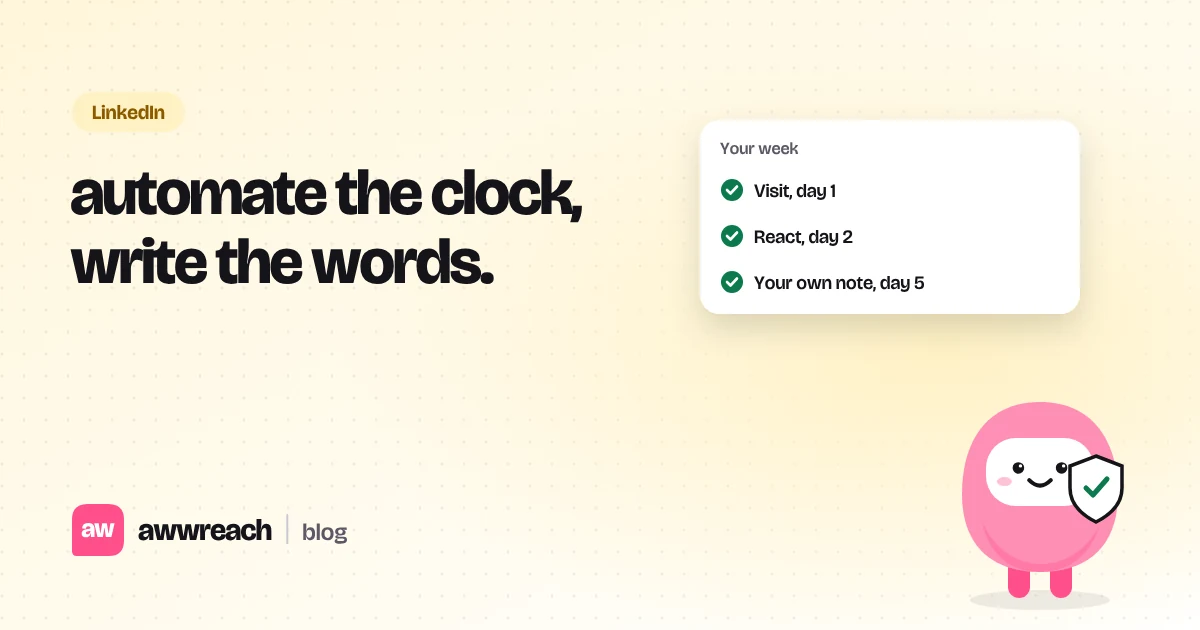
Automate the parts nobody notices: when steps happen, in what order, and remembering to follow up. Keep the parts people do notice: who you contact, what you say, and when you stop. Professionals who flip that split, automating the words and doing the timing by hand, get ignored or flagged.
On this page
#The test: would they notice it was automated?
A good rule for any step is to ask whether the other person could tell a tool did it. Nobody can tell that a profile visit happened at 10:14 instead of 10:02. Everybody can tell when a note says "I came across your impressive profile". Automate the first kind of thing. Write the second kind yourself.
| Hand to software | Keep for yourself | Why |
|---|---|---|
| Timing between steps | Who is on the list | A bad list can't be saved by good timing |
| The order: visit, react, comment, connect | The one line that names them | That line is the only part they really read |
| Reminders to follow up | Whether to follow up at all | Some silences are a no |
| Stopping when they reply | What you say in reply | Replies are where trust is built or lost |
| Skipping a step when data is missing | Turning sending on | You should read it before it's real |
#A weekly routine that takes 30 minutes
- Monday: pick ten people
From one goal: a role you want, a market you sell into, or a community you're joining. If you can't say why someone is on the list in one sentence, take them off.
- Monday: write one line each
A real detail from their recent post, role or company. This is the slow part and it's the part that works.
- Tuesday to Thursday: let the flow run
Visits, follows, a reaction, then a connection request with your line, spaced across days.
- Friday: read replies and decide
Answer the warm ones yourself. Let the flow send one gentle follow-up to anyone who accepted but went quiet. Then stop.
#Signs your automation has gone too far
- You're adding people you couldn't describe if they called you.
- Your notes would still make sense with a different name in them.
- Your pending connection requests keep growing week after week.
- You've stopped reading what the tool sends.
#Same engine, different goals
The split above works whatever you're after. Students lead with a school, job seekers with a role, founders with something an investor wrote, sellers with a signal like a job change. The routine stays the same; only the line changes. The playbooks start you from the right one.
Frequently asked questions
No tool can promise that, and LinkedIn's terms prohibit it. Low volume, spacing, a warm-up ramp and specific notes reduce the risk.