How to find alumni on LinkedIn, and what to say
Find alumni from your school at any company on LinkedIn in minutes, pick the right ones to message first, and send a note they'll actually answer.
The short answer
Open your school's LinkedIn Page and choose Alumni in the left menu, then filter by company and field. To check one company, search people with your school and that company as filters. Message recent grads in your field first, lead with the school you share, mention one specific thing about them and ask two questions. Keep the note under 300 characters and save the referral ask for later.
On this page
- How do you find alumni on LinkedIn?
- How do you use the LinkedIn Alumni tool?
- How do you see which alumni work at a company?
- Which alumni should you message first?
- What should you say to an alum?
- Can you message alumni before you graduate?
- How can you do this for every company on your list?
- Your alumni list is the shortest way in
- FAQ
#How do you find alumni on LinkedIn?
There are three reliable ways, and each answers a slightly different question.
| Method | Best for | Where |
|---|---|---|
| The Alumni tab on your school's Page | Browsing where alumni work and what they do | Your school's LinkedIn Page, left menu |
| People search with a school filter | Finding alumni at one specific company | Search bar, then All filters |
| The company's People tab | A quick check before you apply | The company's LinkedIn Page, People |
#How do you use the LinkedIn Alumni tool?
- Open your school's LinkedIn Page
Search your university and pick the school Page, the one with the graduation cap icon, not a club or department page.
- Choose Alumni in the left menu
LinkedIn describes the Alumni tab as high-level insights about a school's alumni plus access to the profiles they've shared (LinkedIn Help).
- Filter by company and field
Type a company or a role into the search box at the top, then narrow by where alumni work and what they do. Each filter updates the people list below it.
- Skip the year filter
LinkedIn has removed the option to filter alumni by year, so judge how recent someone is from the education dates on their profile instead.
#How do you see which alumni work at a company?
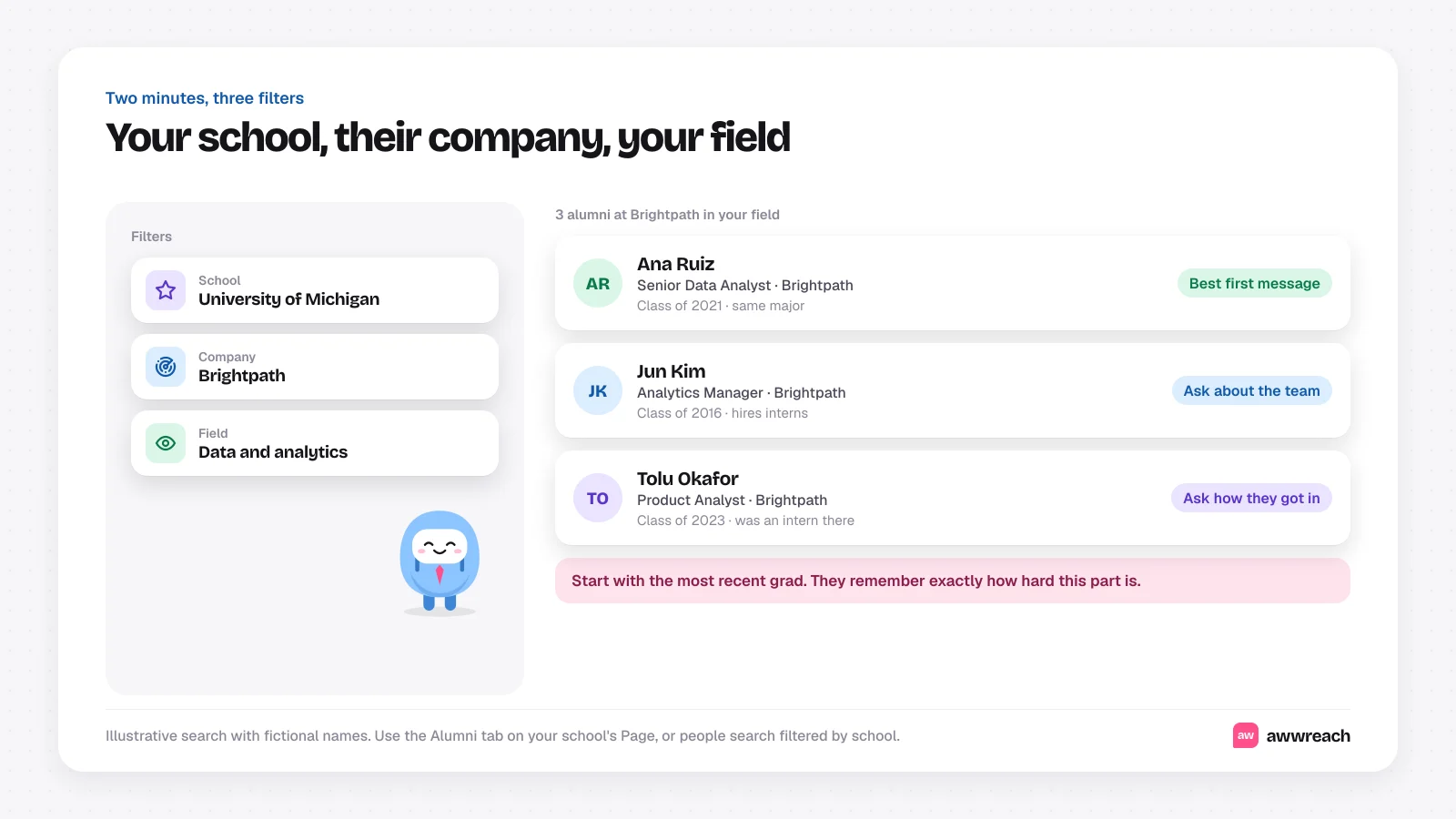
Use people search. Type the company name, choose People, open All filters, then add your school under School and keep the company under Current company. You get every alum who works there now, ranked by how closely you're connected.
For a quick check before applying, open the company's LinkedIn Page, choose People and type your school's name into the search box. It shows alumni who list that company as their current employer.
#Which alumni should you message first?
- Recent grads in your field. Someone two or three years ahead of you remembers recruiting season clearly and is usually happy to help.
- Alumni who interned at the company. They can tell you exactly how they got in and what the interviews looked like.
- Alumni who manage the team you want. A great second conversation. Reach them once you know what to ask.
#What should you say to an alum?
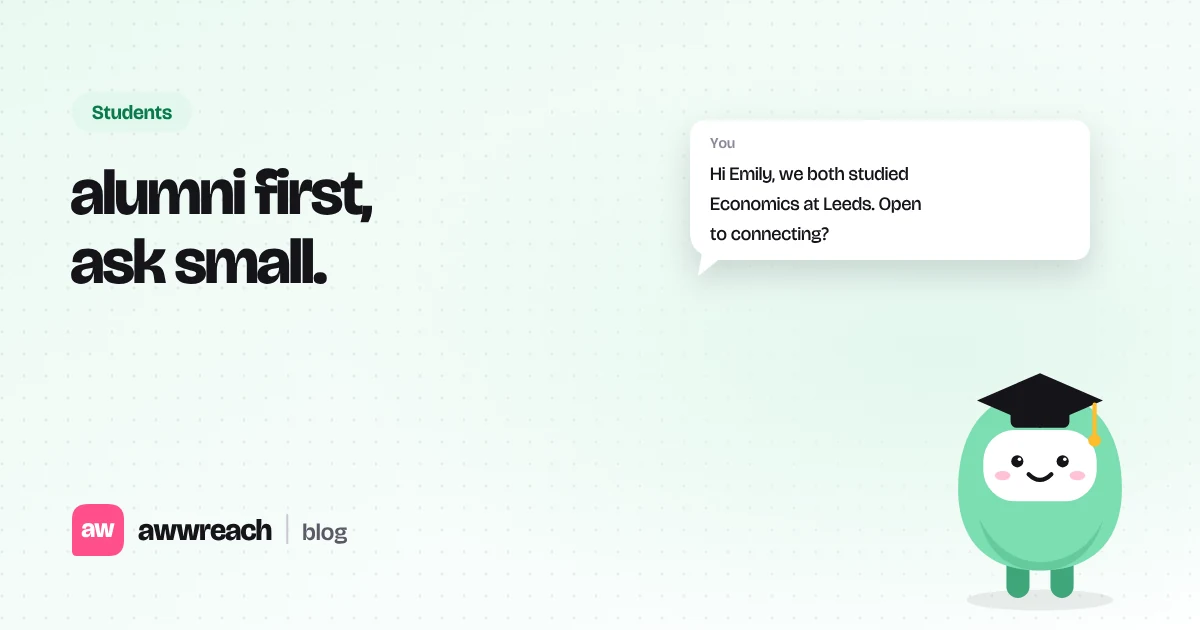
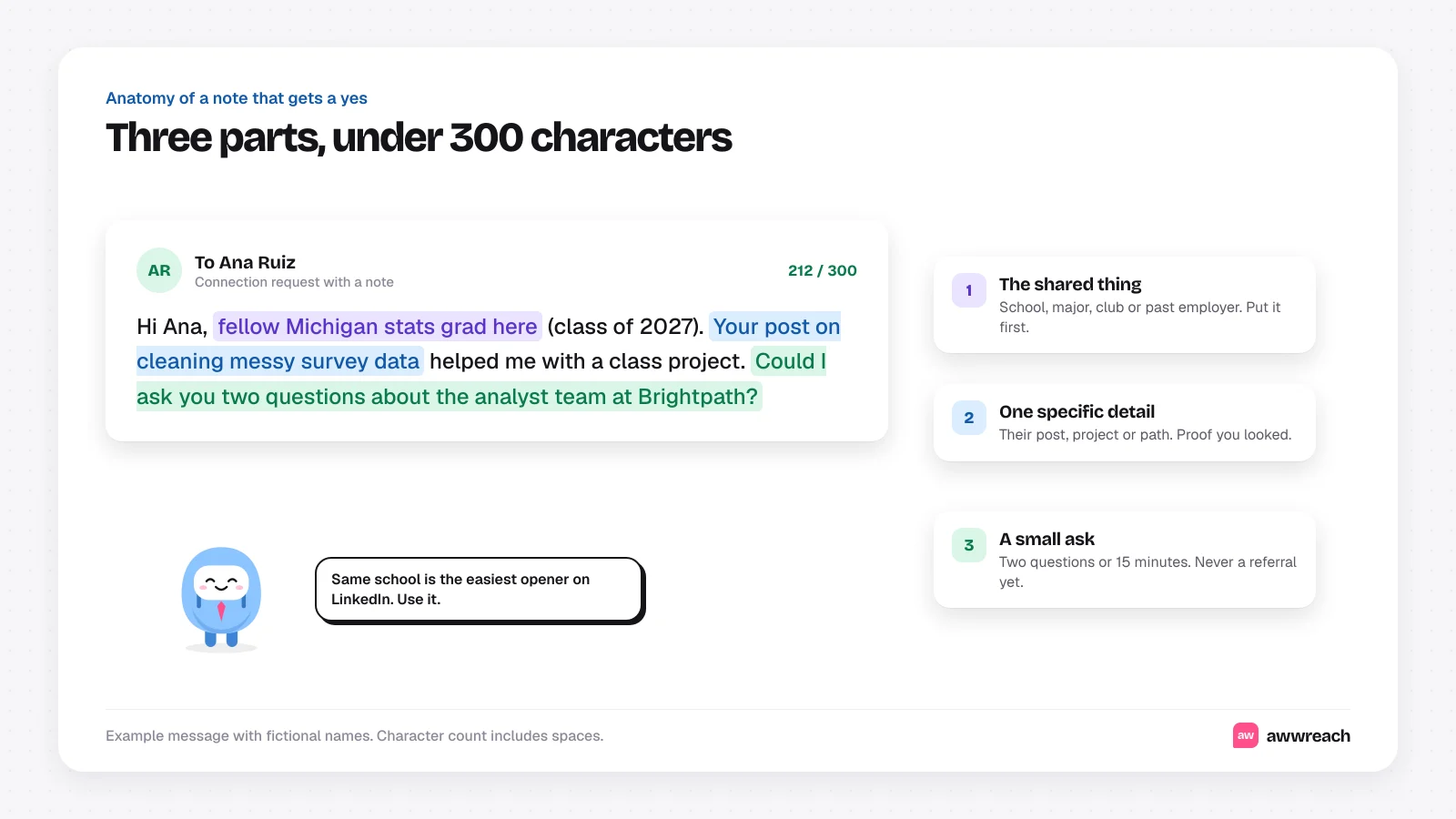
Three parts, under 300 characters: the thing you share, one detail that shows you looked, and a small ask. These are examples, not real messages.
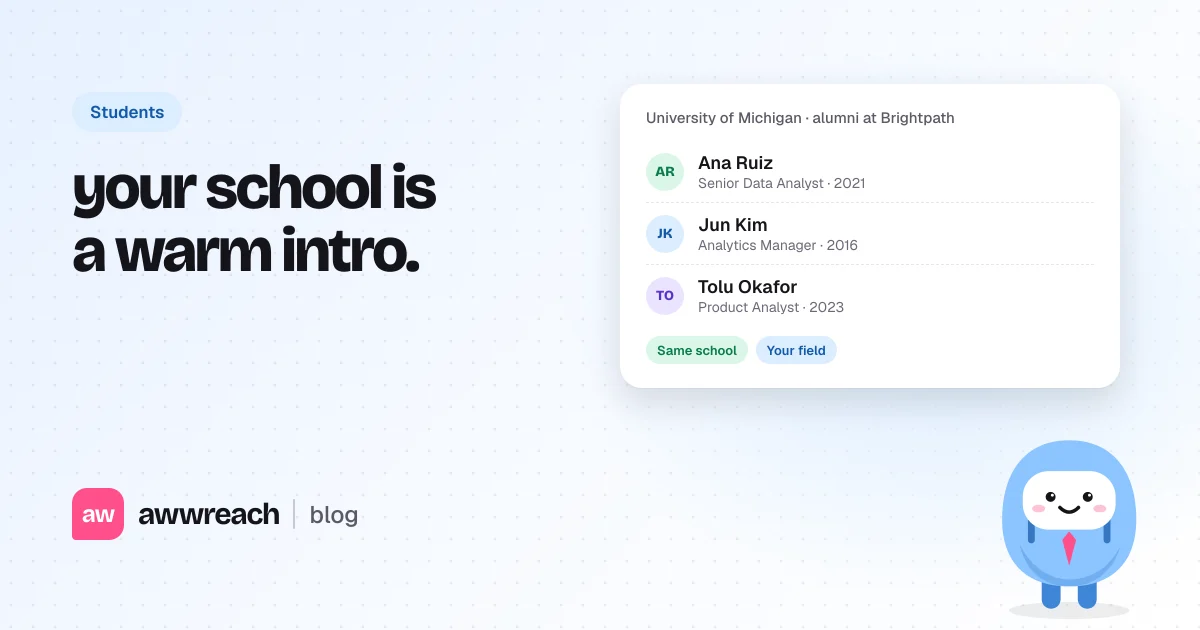
Hi Ana, fellow Michigan stats grad here (class of 2027). Your post on cleaning messy survey data helped me with a class project. Could I ask you two questions about the analyst team at Brightpath?
Hi Tolu, I'm a junior at Michigan and saw you interned at Brightpath before joining full time. I'm applying for the summer program and would love to hear what made your application stand out.
When they accept, thank them and ask your two questions in one short message. If the conversation goes well, the referral question comes naturally later. For that step, see how to get a referral on LinkedIn as a student.
#Can you message alumni before you graduate?
Yes. Current students can use the Alumni tab and people search the same way graduates can. Just describe yourself accurately, as a current student or a junior, and say what you're working toward. Alumni groups and career services often encourage exactly this kind of outreach.
#How can you do this for every company on your list?
By hand, it's one search per company. In awwreach, Find people can search for alumni from your school at the companies you name, and the Alumni bridge playbook takes it from there: a profile visit, a connection note that mentions the school you share, a short hello once they accept and one gentle nudge if they don't reply. You review who's on the list before anything is sent.
If you're watching for new roles, the daily job trigger adds alumni from your school at each company that posts your target title, alongside the hiring manager and a teammate. See is LinkedIn Easy Apply worth it for students for how that fits a weekly routine.
#Your alumni list is the shortest way in
Thousands of people already share your school, and some of them work exactly where you want to be. Find three per company, start with the most recent grad, and write a note that leads with what you share. That one detail turns a cold message into a reply.
Frequently asked questions
Search the company name, choose People, open All filters and add your school. Or open the company's LinkedIn Page, choose People and type your school's name into the search box.