Student-friendly networking automation: where to draw the line
What students can safely hand to software on LinkedIn (reminders, spacing, warm-up steps) and what should stay human (the list, the note, the ask). With a free-account plan.
The short answer
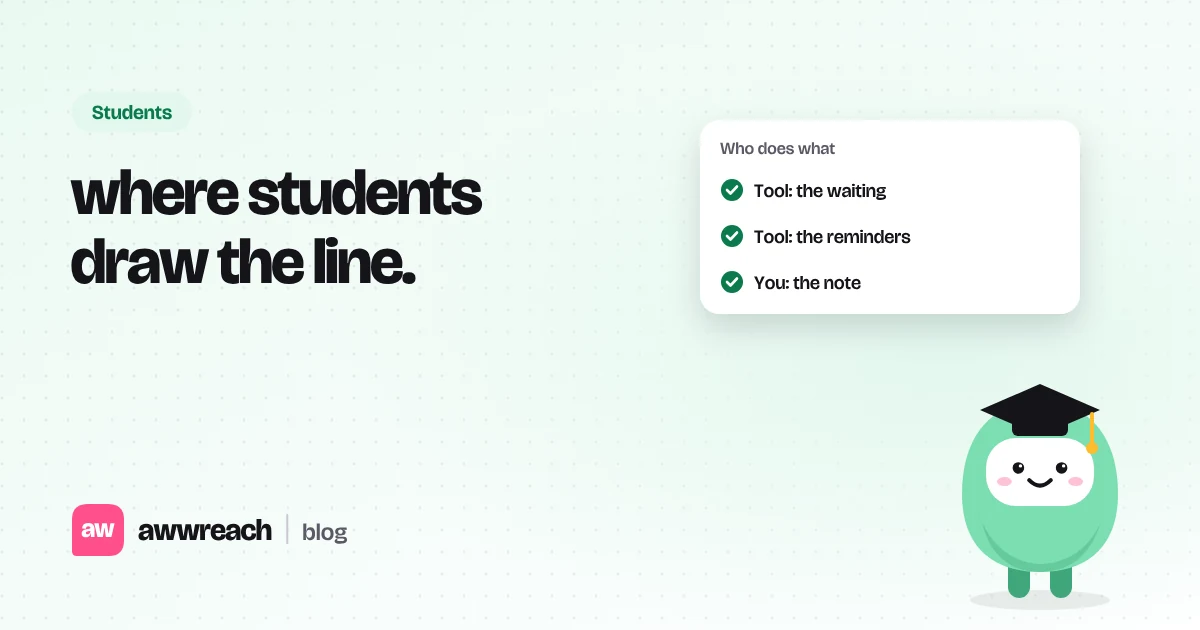
Students should automate the boring scaffolding, not their personality. Let software remember who to visit, wait the right number of days, and nudge you to follow up. Keep the list, the note and the ask in your own hands. On a free account, automation also helps you ration your roughly 5 personalised notes a month by warming people up first, so each note lands with someone who already recognises your name.
On this page
#Why students are tempted, and why it backfires
Recruiting season is busy, and sending 200 connection requests on a Sunday feels productive. It usually produces a handful of polite accepts, almost no conversations, and sometimes a warning from LinkedIn. Alumni and hiring managers can tell a mass note from a real one in a second.
#The line: tool vs you
| Automate | Keep human |
|---|---|
| Profile visits and follows, spread over days | Choosing the people |
| Reacting to a recent post | The comment, if you write one |
| Waiting two or three days between steps | The connection note |
| Reminding you to follow up once | Asking for a chat or a referral |
| Stopping when someone replies | Everything you say after they reply |
#A free-account plan
- Pick one posting
Add an alum on the team, someone in the role and the hiring manager. Three people, not thirty.
- Warm them up automatically
Visits and follows run on a timer over a few days. You still chose every person.
- Comment only when there's something real
If they haven't posted, skip the comment. Don't invent one.
- Spend a note where it counts
Use a personalised note for the alum and the hiring manager. A plain connection request is fine for others.
- One follow-up, then stop
Four or five days after they accept, one short message asking for 15 minutes.
Hi Sophie, we both did the MSc at Edinburgh. I applied for the grad role on your team and enjoyed your post about the on-call rota. Would you be open to connecting?
#Settings that keep a student account calm
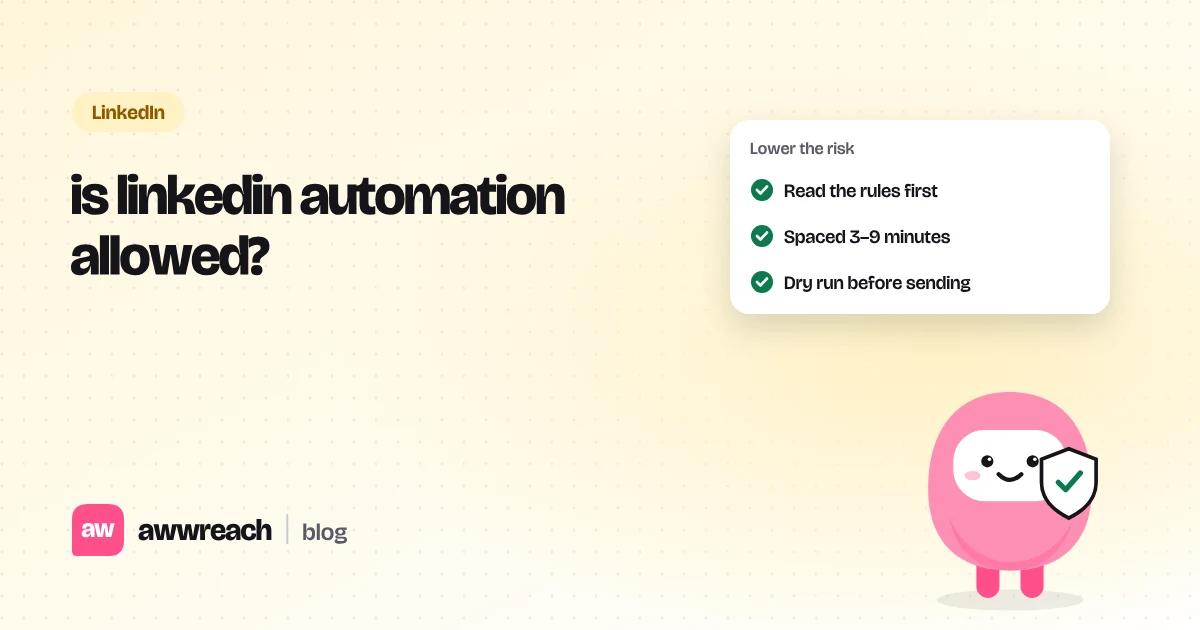
- Ramp a new or quiet account over 21 days.
- Keep 3–9 minutes between any two actions, during working hours only.
- Leave dry run on until every note sounds like you.
- Withdraw requests that have been pending for about three weeks.
Frequently asked questions
Nobody can promise it won't, and LinkedIn's terms prohibit automation. A slow ramp, small lists and real notes keep the risk low.