Safe LinkedIn automation for solo founders
LinkedIn automation for solo founders, done safely: why we built awwreach, what gets one-account founders flagged, and the pace and checks that lower the risk.
The short answer
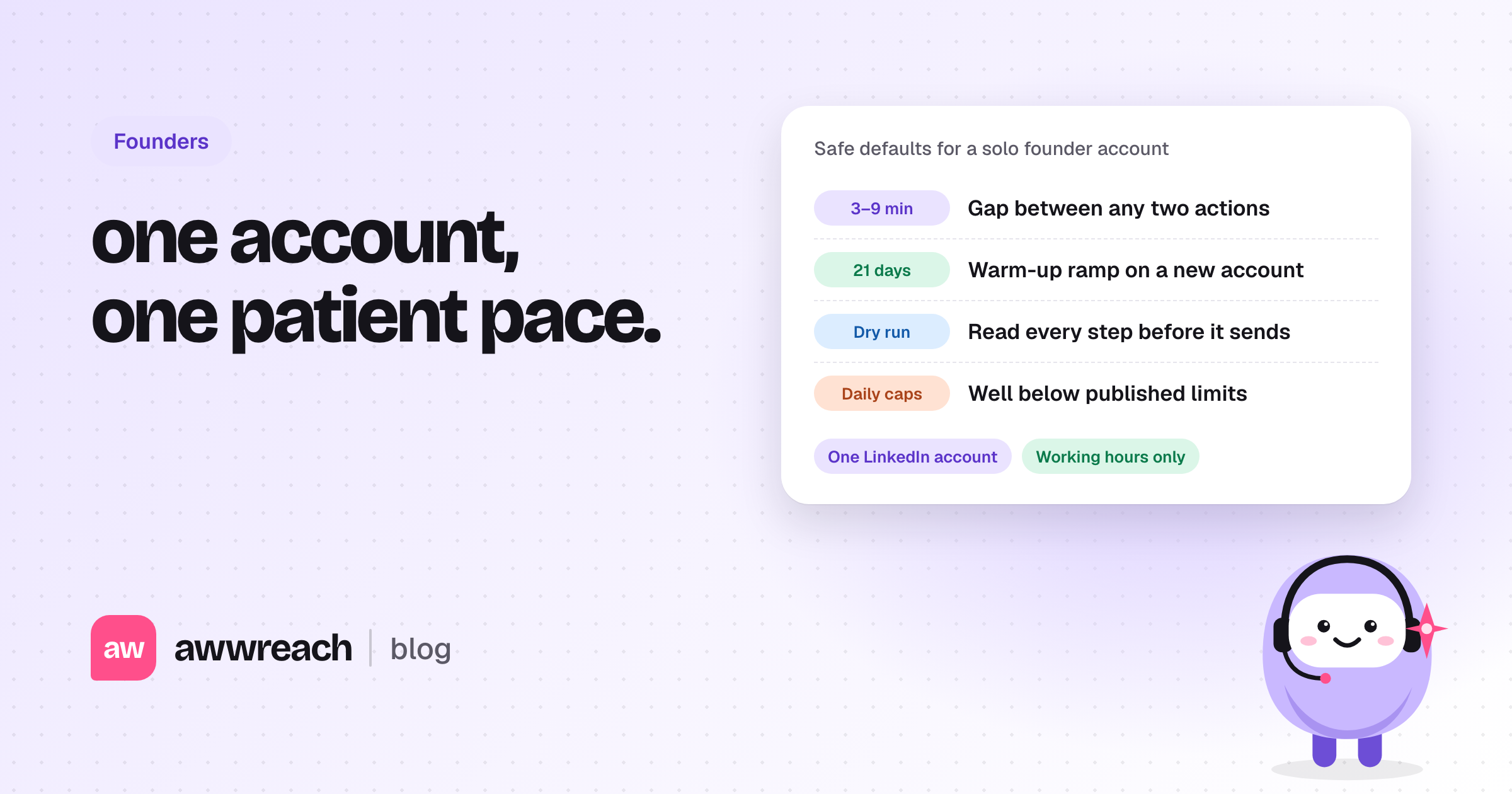
Safe LinkedIn automation for a solo founder means one account, a slow pace and a way to read every step before it sends. Keep minutes between actions, run only in working hours, ramp a new account over three weeks and stay well below the published limits. No tool is risk-free, because LinkedIn's terms prohibit most third-party automation. The goal is a pace you could keep up for months.
On this page
#Why did we build awwreach?
A lot of good roles, raises and first customers start with a warm intro. Networking on LinkedIn works. It's also a second job: find the right people, write a note that isn't generic, remember the follow-up, and do all of it without looking like a machine. We kept falling off by week two.
The tools we tried were mostly built for agencies running many sender accounts. That makes sense for them: if one account gets restricted, traffic moves to another. A solo founder has one profile, and their reputation lives on it. So we built awwreach for that case: one person, one account, a patient pace.
If you want the longer comparison, read LinkedIn automation for one account, not a sender farm.
#What gets a solo founder's account flagged?
LinkedIn doesn't publish its detection logic. These are the patterns providers and users report most often, and the ones we design around.
- Bursts: twenty connection requests in ten minutes, then nothing for a day.
- The same note sent to everyone, word for word.
- Activity at 3am in your timezone, or seven days a week without a break.
- A brand-new or quiet account that jumps straight to full speed.
- Hundreds of pending connection requests that nobody accepted.
- Logins that hop between servers or countries.
#What does safe LinkedIn automation look like for one account?
| Check | Safe setup | awwreach default |
|---|---|---|
| Pace between actions | Minutes, not seconds | 3–9 minutes between any two actions |
| Hours | Working hours only | Working hours in the recipient's timezone, on days you pick |
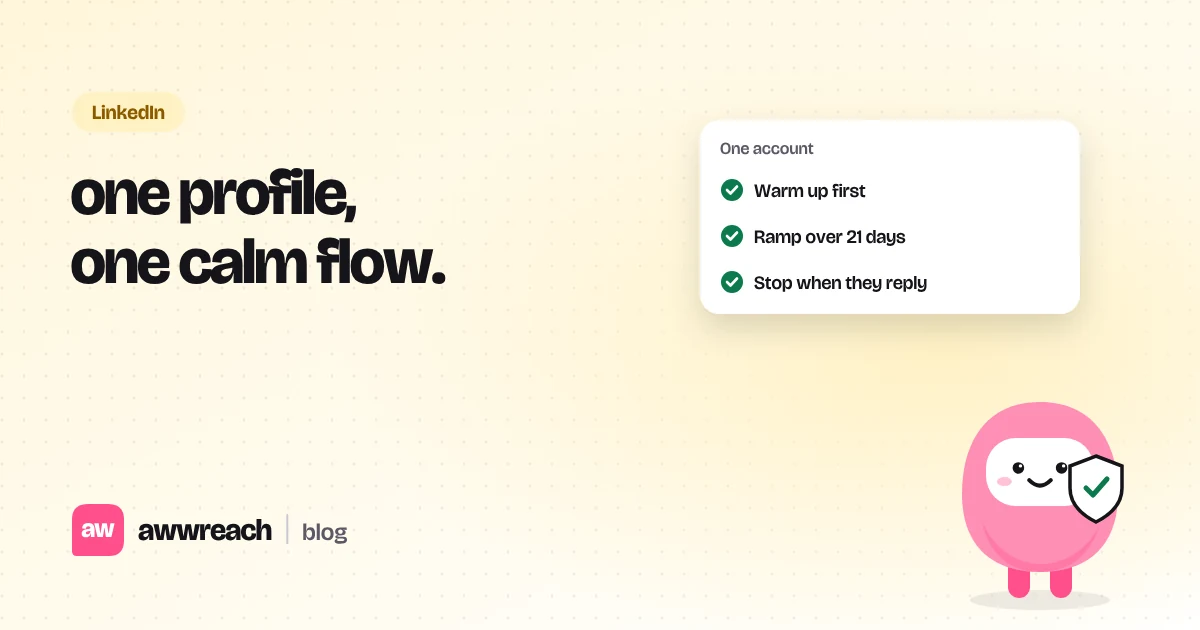
| New accounts | A slow ramp | Starts at 30% of the limits and ramps over 21 days |
| Connection requests | Well below published guidance | 25 a day, 100 a week on a warmed-up account |
| Pending requests | Keep the pile small | Stops at 400 pending and withdraws requests older than 21 days |
| Before anything sends | Read it first | Dry run on by default |
| AI agents | Tighter than flows | 70% of each daily limit, on the same counters |
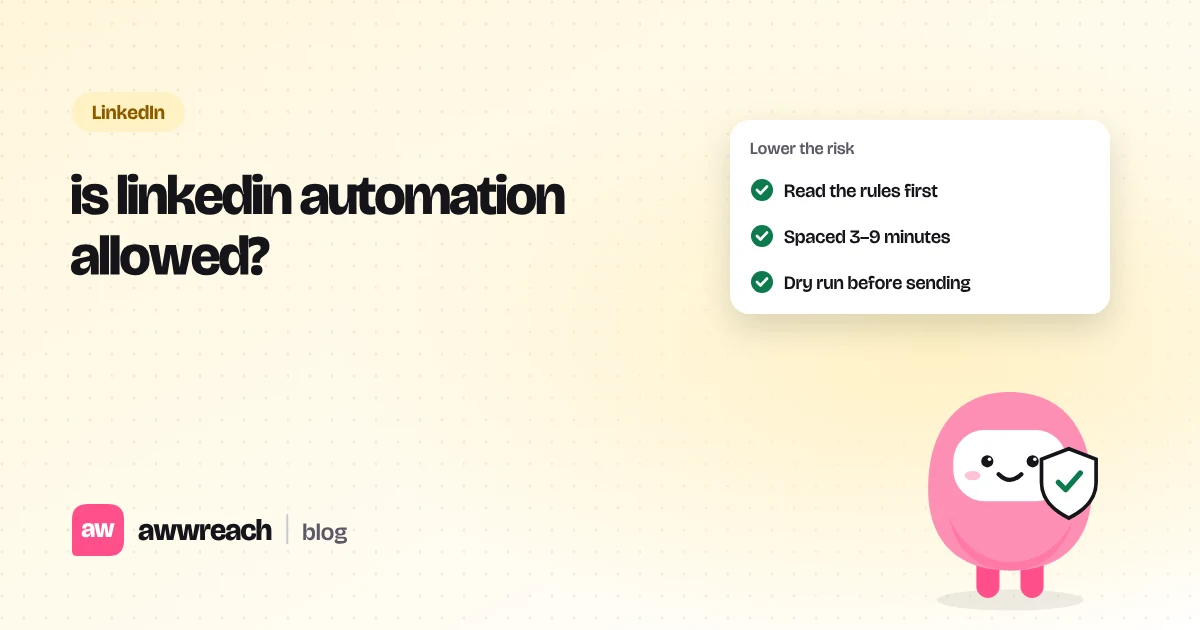
For what the terms say and what usually happens, read Is LinkedIn automation allowed?. Every number above is also on our safety and limits page.
#How should a solo founder start?
- Pick one goal
Investors, founder peers or first customers. One goal means one playbook and one clear note.
- Build a small list
Start with people you'd be glad to hear back from, not everyone who matches a title.
- Warm up before you ask
A profile visit, a follow and one real comment on their writing, spread over a few days.
- Run a dry run for a few days
Read every step and every note in the log. Fix anything that sounds generic.
- Turn sending on and read replies daily
A flow stops for a person as soon as they reply, so the conversation is yours from there.
#Can you run it from Claude or Cursor?
Yes. awwreach has its own MCP server, so an AI agent can research people, draft notes and check replies. Anything that touches LinkedIn needs confirm: true, and agents get 30% less of each daily limit than flows. Setup takes one command: see the LinkedIn MCP server for Claude and Cursor.
#Who else is awwreach for?
The same one-account setup works for job seekers, GTM engineers and solo sellers and freelancers. It costs $35 a month per person, and students get 50% off.
Frequently asked questions
Look for one built for a single account: minutes between actions, working hours only, a ramp for new accounts, limits well below published guidance and a dry run before anything sends. Skip tools built around sender pools and account rotation.