What to message after connecting on LinkedIn
They accepted your request. Here's what to send next: a three-part message, examples for recruiters, hiring managers and alumni, and when to send it.
The short answer
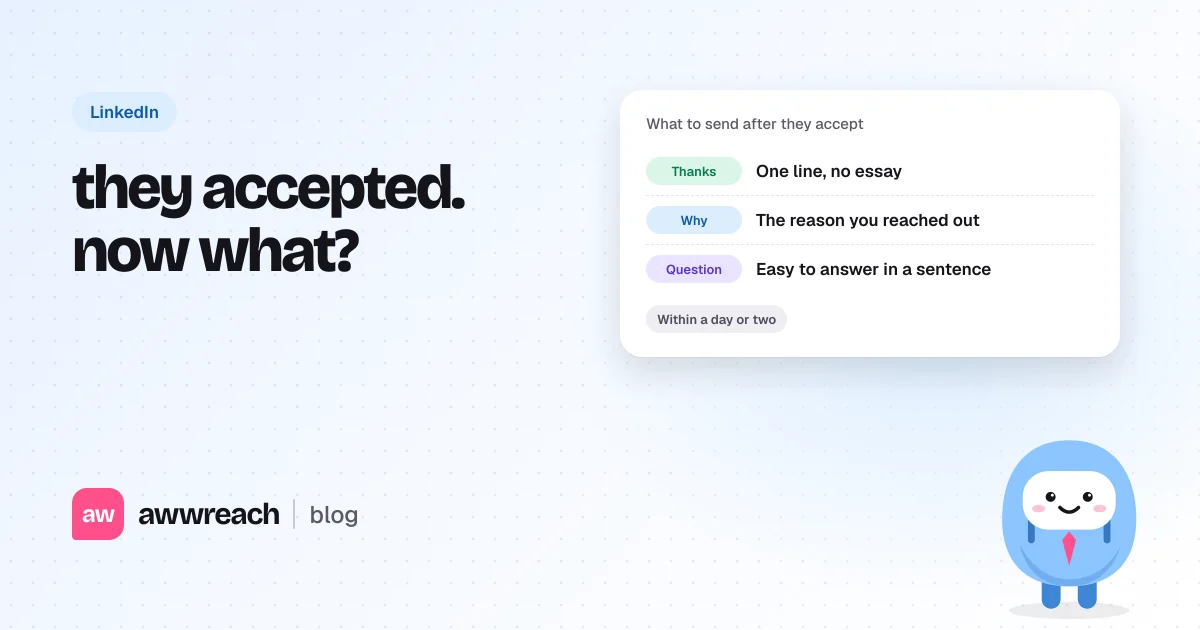
Send a short message within a day or two of someone accepting your request. Thank them in one line, say plainly why you reached out, and ask one question they can answer in a sentence or two. Match the question to the person: the timeline for a recruiter, the team's priorities for a hiring manager, their path for an alum. Skip the long introduction and don't attach anything.
On this page
- Should you message someone after they accept?
- What should the first message say?
- What to send, depending on who accepted
- A recruiter
- A hiring manager
- An alum
- Someone you met at an event
- How do you respond when they say "great to connect"?
- What should you avoid?
- Sending the right message at the right time, every time
- The first message decides whether it was worth connecting
- FAQ
#Should you message someone after they accept?
Yes, if you had a reason to connect. A connection with no follow-up is a name in a list. A short message turns it into the start of a conversation, and it's the moment they're most likely to reply, because they've just looked at your profile.
#What should the first message say?
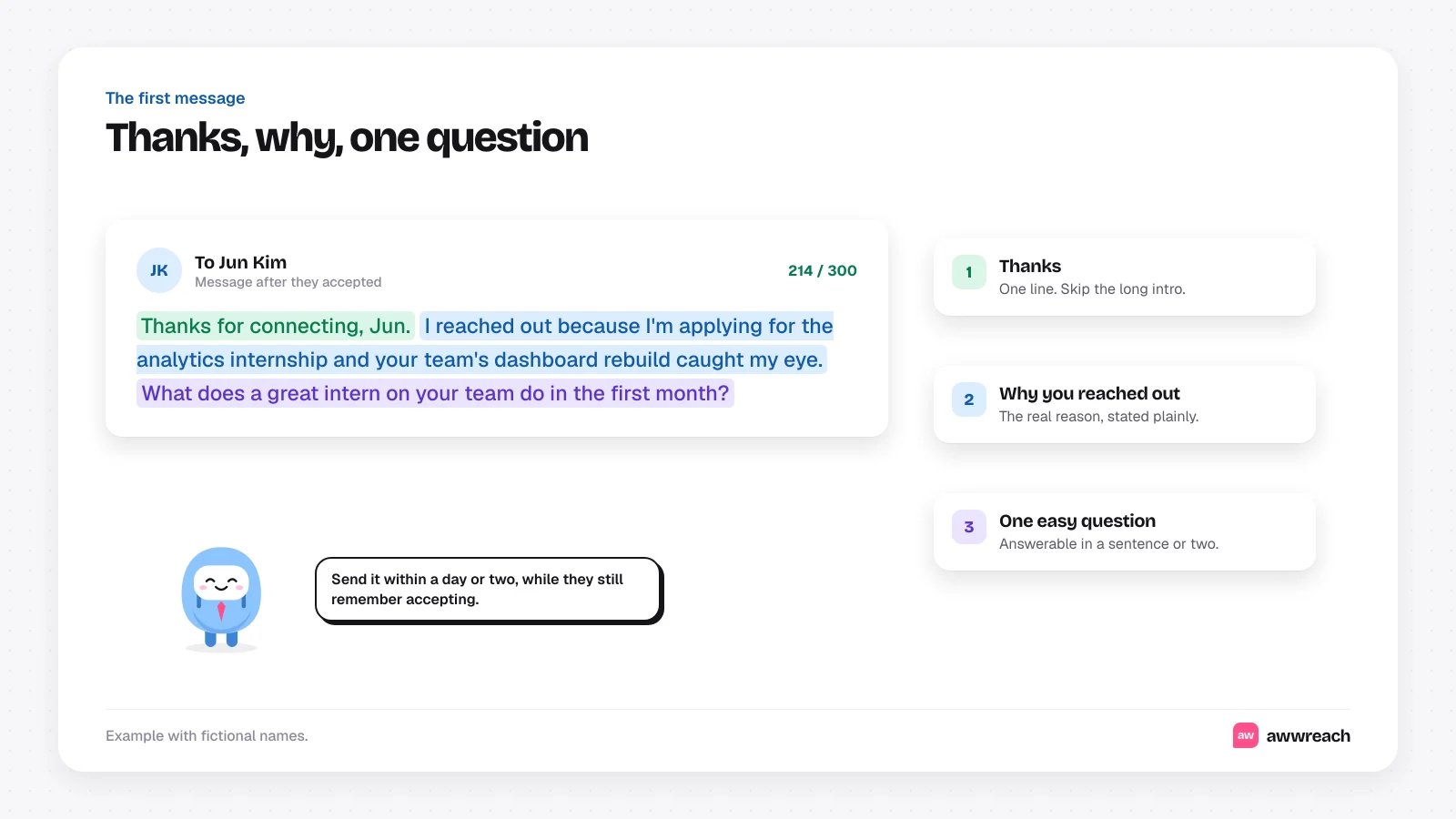
- Thanks, in one line
"Thanks for connecting, Jun." No paragraph about how honoured you are.
- Why you reached out
The real reason, stated plainly. You applied for a role, you liked their post, you share a school.
- One easy question
Something they can answer in a sentence or two from their phone.
#What to send, depending on who accepted
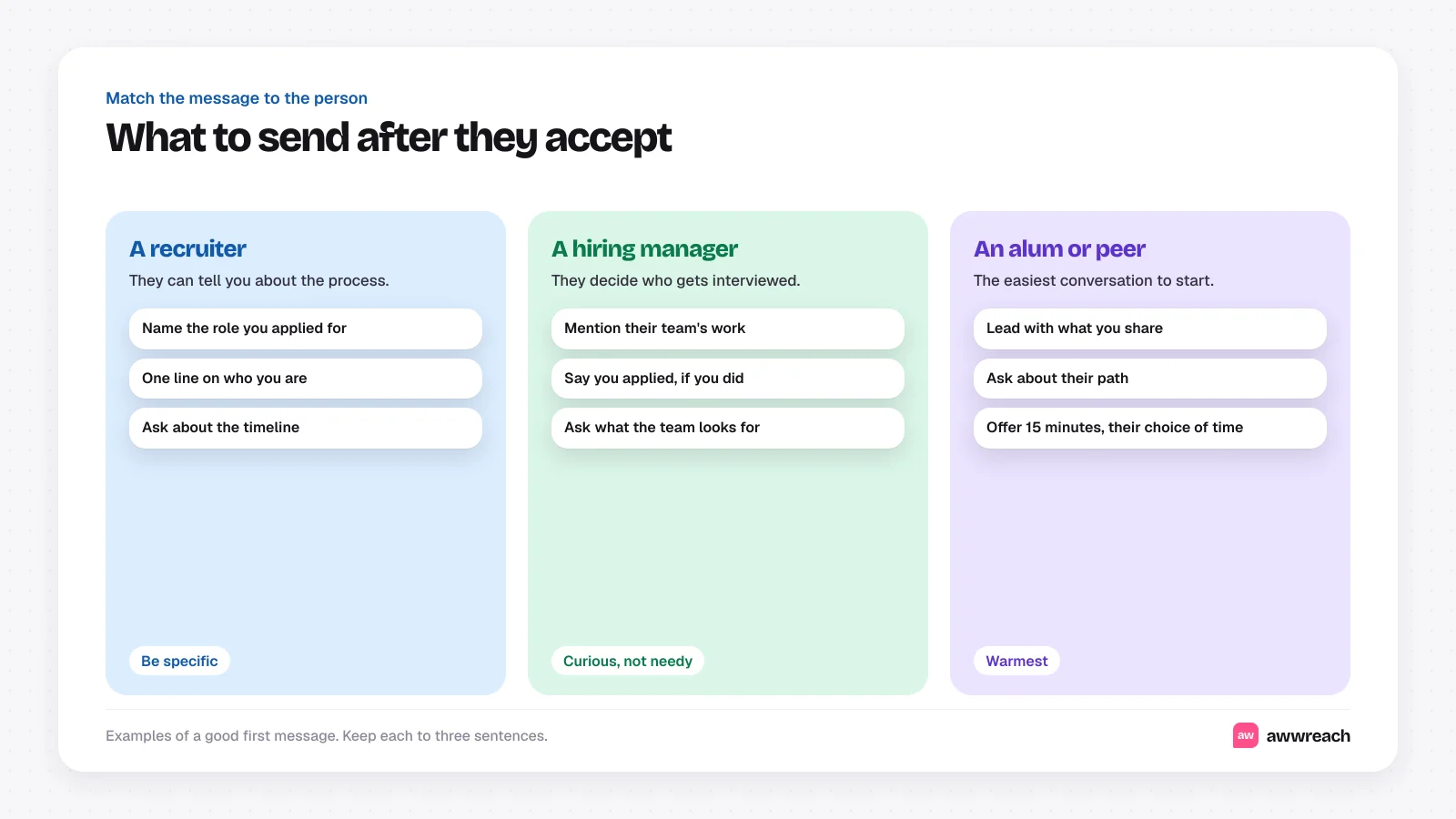
These are examples, not real messages.
#A recruiter
Thanks for connecting, Dana. I applied for the Software Engineering Intern role last week. Do you know roughly when the team will start interviews?
#A hiring manager
Thanks for connecting, Jun. I reached out because I'm applying for the analytics internship and your team's dashboard rebuild caught my eye. What does a great intern on your team do in the first month?
#An alum
Thanks for accepting, Ana. Always good to meet another Michigan stats grad. How did you make the jump from the stats program into analytics at Brightpath?
#Someone you met at an event
Great to connect after Thursday's panel, Marcus. Your point about testing small before scaling stuck with me. Did you end up writing that up anywhere?
#How do you respond when they say "great to connect"?
Reply with the same three parts, just warmer. Thank them, say why you're glad to be connected, and ask a question so the conversation has somewhere to go. A bare "you too" ends it.
#What should you avoid?
- A long introduction of yourself. They can read your profile.
- Attachments in a first message. Share a résumé or deck only if they ask.
- An immediate pitch or a referral request. Earn a conversation first.
- Waiting weeks. By then they won't remember why they accepted.
If they don't reply, one follow-up after five to seven days is fine. See how to follow up on a job application on LinkedIn for wording, and how to ask for a coffee chat on LinkedIn when you want to go further.
#Sending the right message at the right time, every time
In awwreach, every flow waits for the connection to be accepted, then sends a first message written for that person, using what you have in common and why you reached out. If they don't reply, it follows up once, and it stops the moment they answer.
#The first message decides whether it was worth connecting
Acceptance is an open door, not a conversation. Thank them, say why you reached out and ask one question they can answer quickly. Do it within a day or two, and most connections turn into replies.
Frequently asked questions
Thank them in one line, say why you reached out, and ask one question they can answer in a sentence or two.