LinkedIn networking for MBA students during recruiting
How MBA students stand out on LinkedIn when the whole class is messaging the same alumni: a short list per firm, a note that names the office and club, and a coffee-chat ask that's easy to say yes to.
The short answer
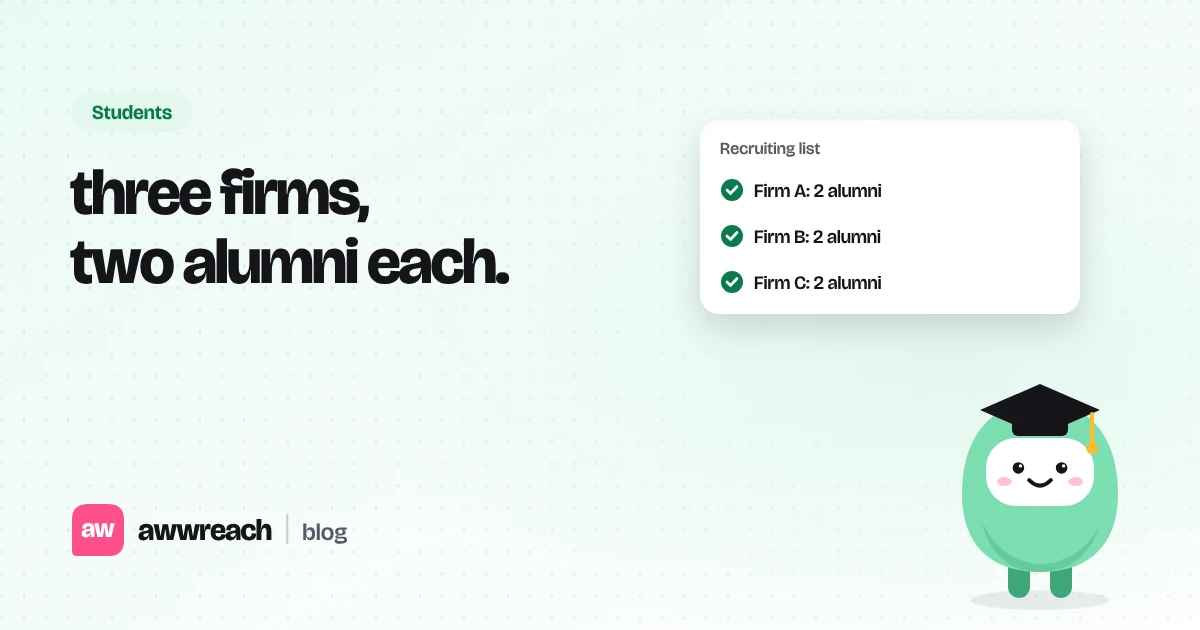
In recruiting season, alumni get the same message from half your class in the same week. Stand out by going narrow: three firms, two current people in the office you want at each, and a note that names something only you would mention (a post they wrote, your club, last summer's internship). Ask to connect first, then ask for 15 minutes with two time options. Track every conversation so your later notes can build on earlier ones.
On this page
#Why most MBA notes get ignored
"I'd love to pick your brain about your journey" is the most common LinkedIn message an alum receives during recruiting. It's polite, generic and easy to leave for later, which usually means never. Notes that get answered prove you've done your homework in one line.
#Build a short list per firm
| Person | Best for | Skip if |
|---|---|---|
| Alum in your target office | How recruiting really works there | They've left the office or moved teams |
| Second-year who interned there | What the summer actually felt like | You already have two chats booked at the firm |
| Recent hire in your function | Day-to-day work and culture | They joined over three years ago |
| Recruiter | Dates, events, visa questions | You're hoping for a shortcut to a referral |
#The week before coffee chats open
- Choose three firms
Three you can talk about without reading their website mid-call. Add more later.
- Find two people each
Filter by your school and the office. Read their last few posts before writing anything.
- Comment once
One sentence that adds something: a question about the deal, a data point, a club event that covered it.
- Send the note
School, office and why now, in under 300 characters. Ask to connect, not for the chat yet.
- Ask after they accept
15 minutes, two concrete time options, and an easy way to say no.
Hi Jordan, fellow Kellogg student recruiting for strategy roles in Chicago. Your post on the healthcare practice's growth matched what our consulting club heard last week. Open to connecting?
#Keep a simple tracker
Note who you spoke to, what they suggested and who they mentioned. When you write to the next person at the same firm, you can say "Alex in the Chicago office suggested I speak with you", which is the strongest opening there is.
#Pace during recruiting
A burst of thirty notes on Sunday night is how accounts get warnings, and it also guarantees generic notes. Spread outreach across the week. If you automate the warm-up steps, keep 3–9 minutes between actions and stay well under daily limits. See LinkedIn limits explained.
Frequently asked questions
No. Two current people in the office you want is enough per firm. More than that and they compare notes.